


Bulk Product Editor for WooCommerce

Bulk product editor for WooCommerce helps businesses edit hundreds of products at once from a single spreadsheet-like interface. It saves countless hours and eliminates the frustration of updating products individually.

  • Inline
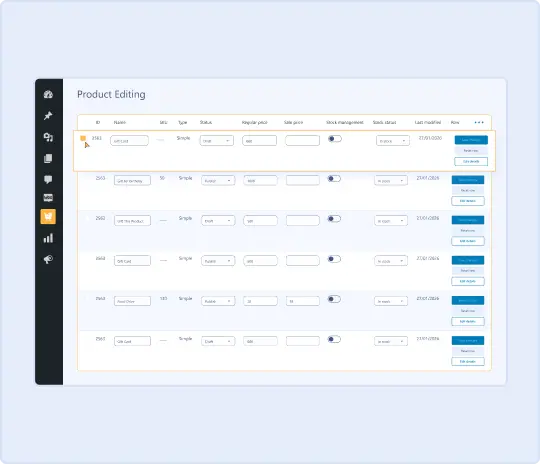
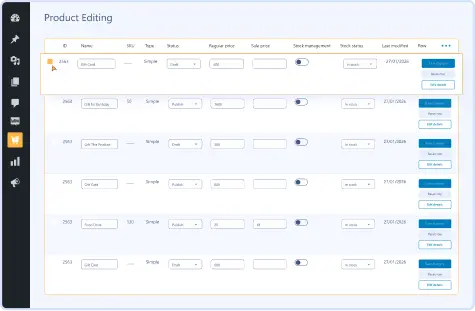
Product Editing

    Inline
Product Editing

  • Bulk
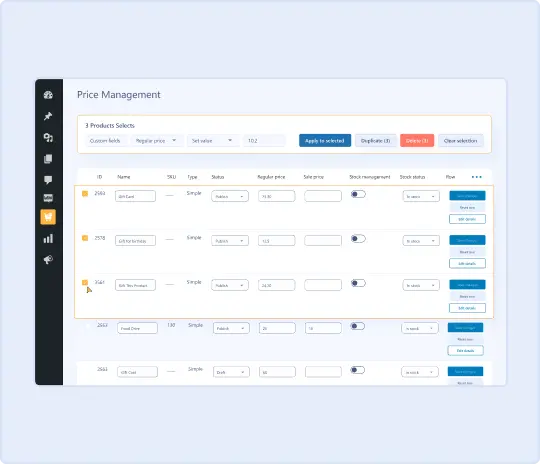
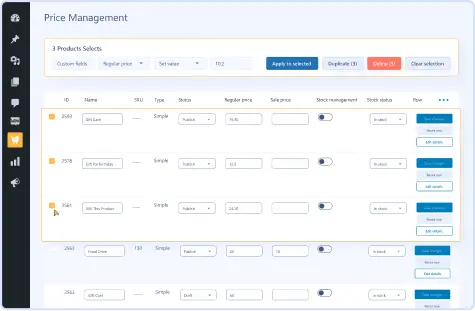
Price Management

    Bulk
Price Management

  • Advanced Filter & Search

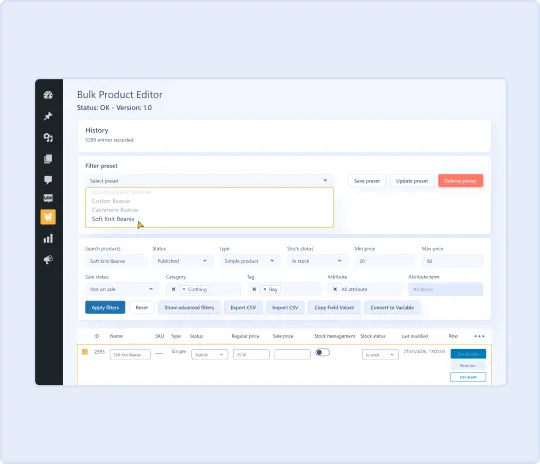
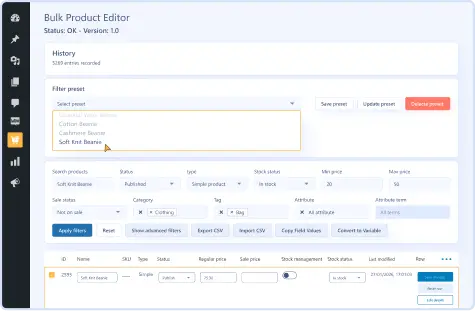
    Advanced Filter & Search

  • Import &
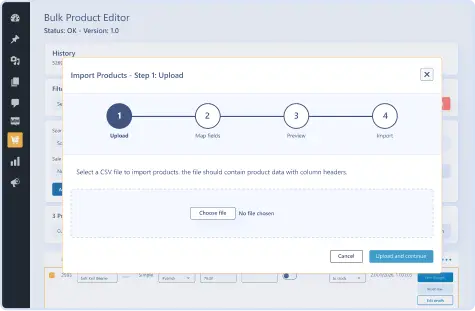
Export Products

    Import &
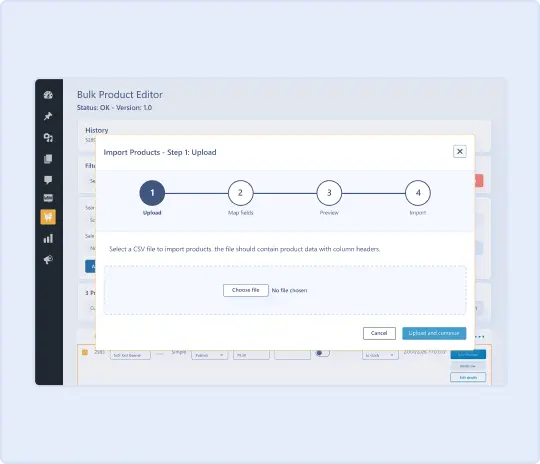
Export Products

  • History & Undo Changes

    History & Undo Changes

  • Money Back Guarantee
  • Woo Pro Partner
  • Safe and Secure Checkout
  • 80+ Clutch reviews
Inline Product Editing
Bulk Price Management
Advance Filter & Search
Import & Export Products

Pricing Plan

Basic

$49.99/Billed Annually

Single Site

  • Priority Support
  • Regular Plugin Updates
  • All Core Features Included
  • Auto-Renew Subscription

Agency

$4900

$149.99/Billed Annually

100 Sites

  • Priority Support
  • Regular Plugin Updates
  • All Core Features Included
  • Auto-Renew Subscription

14 Day Money-Back Guarantee

We are committed to your satisfaction that our products will elevate your online store’s performance, backed by our 14-day money-back guarantee. Please review our Refund Policy for more details.

Enjoy Up to 80% OFF on Our All Access Pass Lifetime Plan — Limited-Time NEW YEAR Deal

Bulk Product Editor for WooCommerce Features

Our WooCommerce mass products editor plugin gives businesses access to powerful time-saving features, including:

Inline
Cell Editing

Inline
Cell Editing

Edit any product field directly inside the spreadsheet grid.

Bulk
Set Values

Bulk
Set Values

Apply the same value to multiple products across any field at once.

Bulk
Price Increase

Bulk
Price Increase

Raise prices by a fixed amount or percentage across selected products.

Bulk
Price Decrease

Bulk
Price Decrease

Reduce prices by a fixed amount or percentage across selected products.

Formula-Based
Pricing

Formula-Based
Pricing

Calculate new prices using math formulas based on existing product data.

Find & Replace

Find & Replace

Find any text across product fields and replace it across your whole catalog.

Copy
Field Values

Copy
Field Values

Copy values from one product field to another across multiple products.

Advanced
Product Filtering

Advanced
Product Filtering

Filter products by category, price range, stock status, or product type.

Saved
Filter Presets

Saved
Filter Presets

Save your favorite filter combinations and reload them anytime.

Plugin Screenshots

Version History

N = new

U = update

D = dev

F = fix

R = remove

O = other

1.0.0 2026-03-05
  • O – initial release.

Version: 1.0.0

Version History: Changelog

Last Update: 2026-03-05

still have a question

Still have a question?

FAQ’s

What is the best way to bulk edit products in WooCommerce?

The best way to bulk edit products in WooCommerce is to use Bulk Product Editor for WooCommerce. It gives you a spreadsheet-like grid where you can edit prices, stock, categories, and more across hundreds of products at once without opening each product individually.

Can we bulk edit prices in WooCommerce using this plugin?

Yes! Bulk Product Editor for WooCommerce lets you increase or decrease regular and sale prices by a fixed amount or percentage across as many products as you need, saving you hours of manual work.

Does the WooCommerce bulk editor support variable products and variations?

Absolutely! You can bulk edit variants in WooCommerce, convert simple products to variable products, generate variations automatically, and manage attributes across your entire catalog from one place.

Can we undo bulk changes made using the bulk product editor?

Yes! Every bulk operation is logged in the history. If something goes wrong, click Undo next to the operation to instantly restore your previous values.

Is Bulk Product Editor for WooCommerce compatible with other plugins?

Yes! The plugin works with WooCommerce Subscriptions, WooCommerce Bookings, and most standard WooCommerce extensions. It operates entirely in the admin area and does not affect your frontend or conflict with your theme.

Second Thoughts? No Sweat!

You’ve got 14 days to change your mind and get your money back!