


Get 10% OFF on All Plugins. Use Code Woo10

Top-Rated Currency Converter Plugin: Currency Switcher for WooCommerce

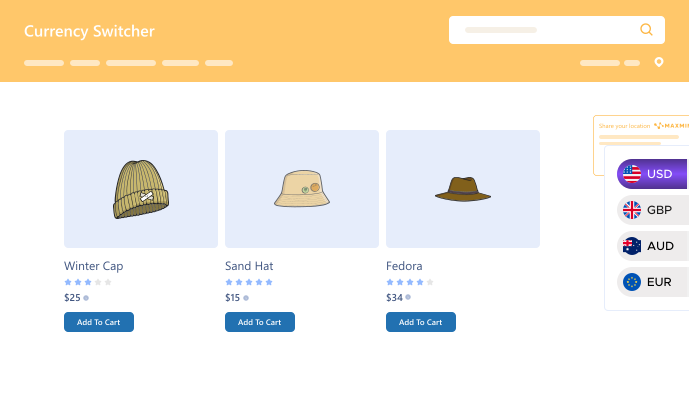
This multi-currency switcher for WooCommerce allows your store to display prices in multiple currencies and automatically update exchange rates. Customers can easily shop in their preferred currency with real-time conversion rates and geolocation-based currency selection.

  • Multi Currency Widget

    Multi Currency Widget

  • Multiple Zone Pricing

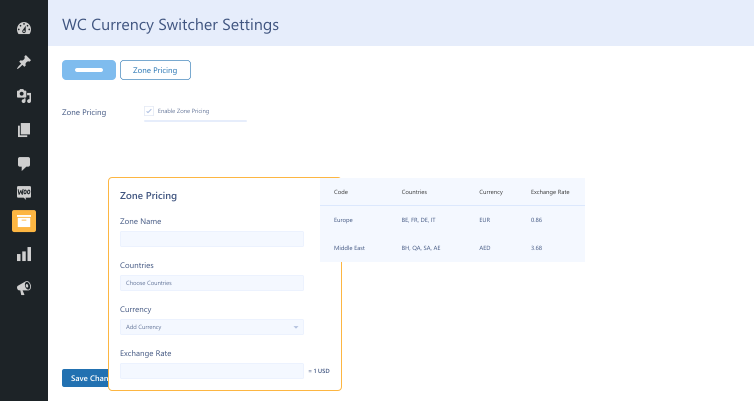
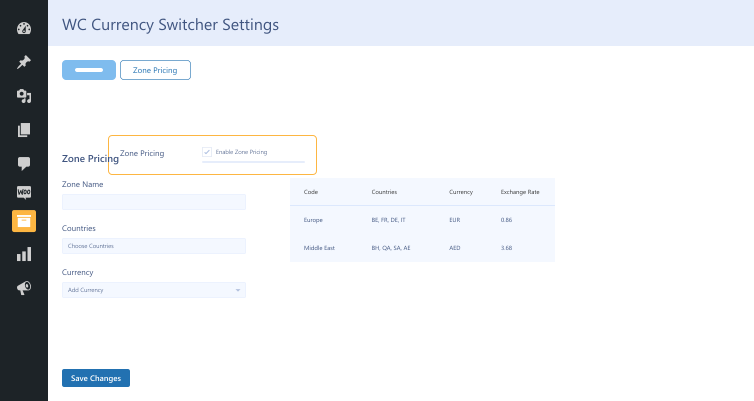
    Multiple Zone Pricing

  • Add Unlimited Currencies

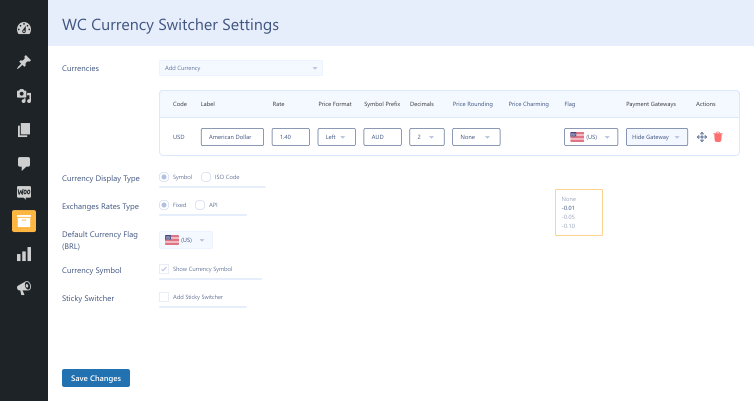
    Add Unlimited Currencies

  • Live Exchange Rates

    Live Exchange Rates

  • 150+ Supported Currencies

    150+ Supported Currencies

  • Currency by Location

    Currency by Location

  • Price Rounding & Charm

    Price Rounding & Charm

  • Money Back Guarantee
  • Woo Pro Partner
  • Safe and Secure Checkout
  • 80+ Clutch reviews

Trusted by Businesses Worldwide

Logo for Heart Happy with a floral border and a centered rectangular label.
Team Atlas logo with a globe icon between the words 'TEAM' and 'ATLAS' on a white background.
Customize Currency Options
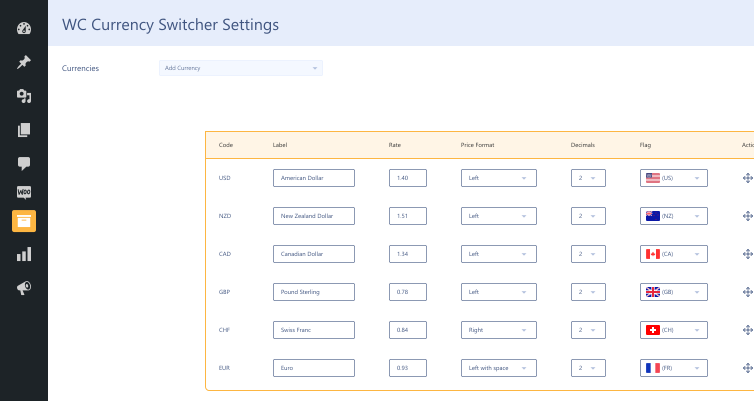
Add Multiple Currencies
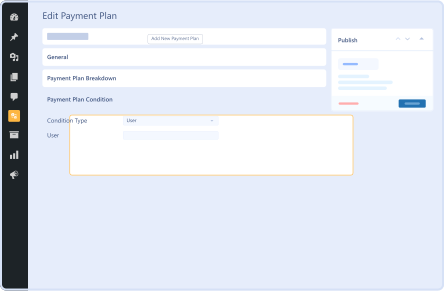
Change Currency by Billing or Shipping Country on Checkout
Multiple Zone Pricing
Currency by Location

Pricing Plan

Basic

$99.99/Billed Annually

Single Site

  • Priority Support
  • Regular Plugin Updates
  • All Core Features Included
  • Auto-Renew Subscription

Agency

$9900

$199.99/Billed Annually

100 Sites

  • Priority Support
  • Regular Plugin Updates
  • All Core Features Included
  • Auto-Renew Subscription

14 Day Money-Back Guarantee

We are committed to your satisfaction that our products will elevate your online store’s performance, backed by our 14-day money-back guarantee. Please review our Refund Policy for more details.

Enjoy Up to 80% OFF on Our All Access Pass Lifetime Plan — Limited-Time NEW YEAR Deal

Currency Switcher for WooCommerce Features

Display Orders in WooCommerce Analytics

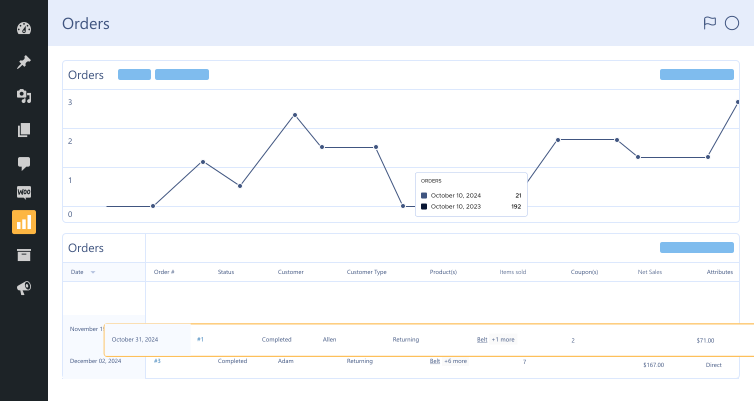
Display Orders in WooCommerce Analytics

Convert Orders in different currencies to the store’s base currency and display them in Woo Analytics.

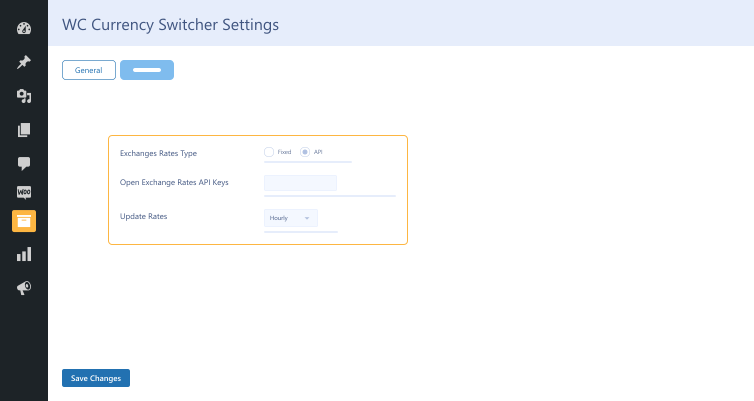
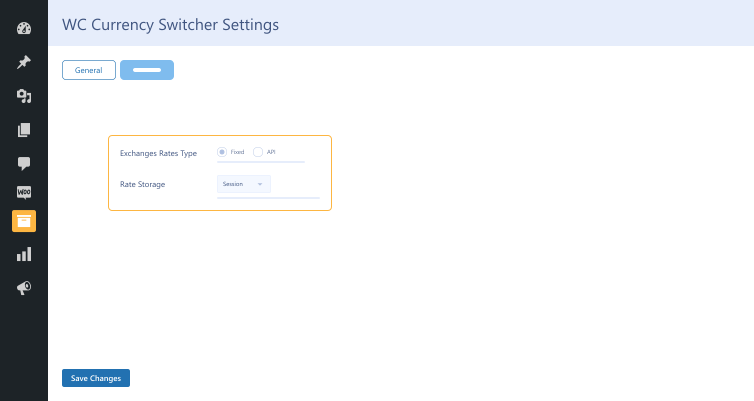
Exchange Rate Types

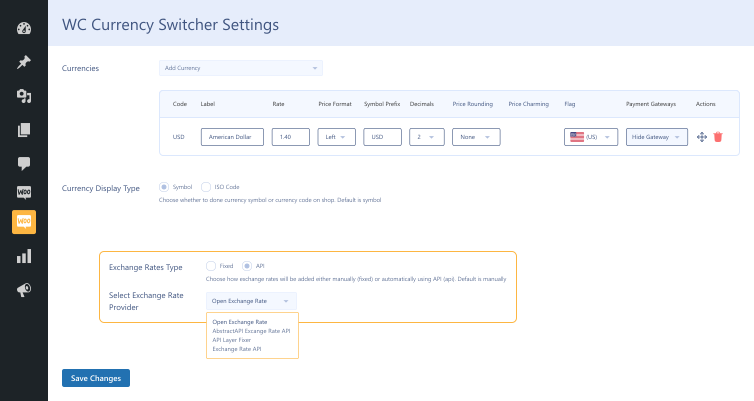
Exchange Rate Types

Choose fixed exchange rates or automatic API updates from Open Exchange Rates, Abstract, Fixer, & Exchange Rate API.

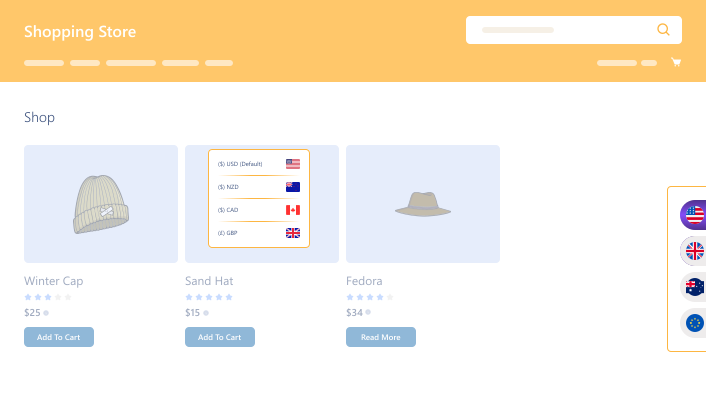
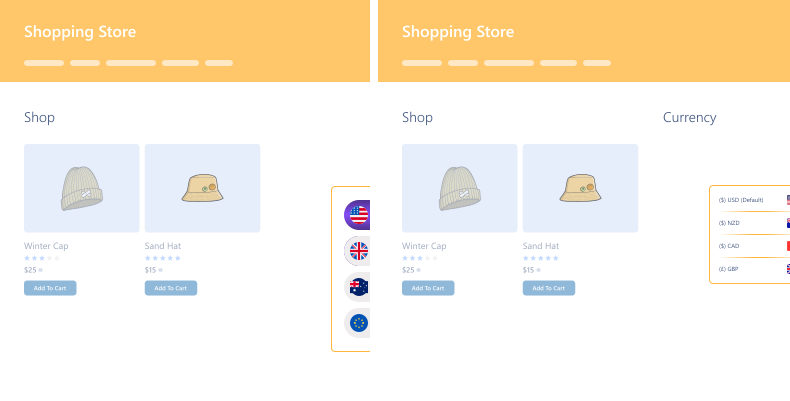
Currency Switcher Styles

Currency Switcher Styles

Choose from four currency switcher styles to match your store’s design and enhance the user experience.

MaxMind Geolocation Integration

MaxMind Geolocation Integration

Automatically detect customer locations and display prices in their local currency while allowing manual switching.

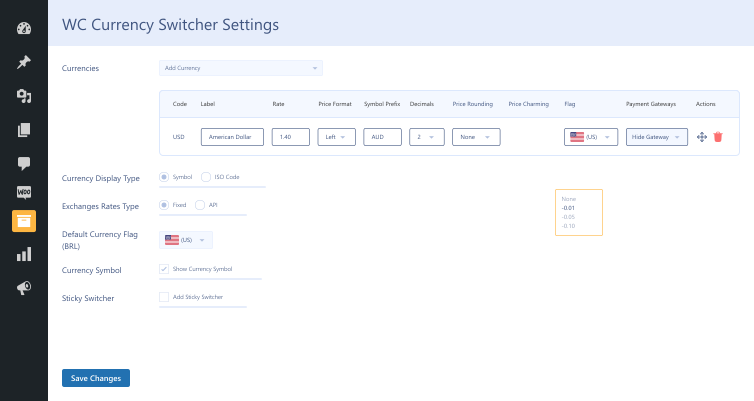
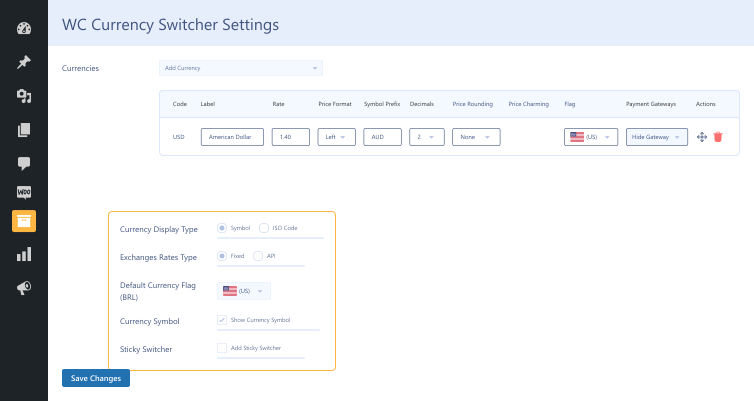
Currency Display Type

Currency Display Type

Choose different formats to display currency symbols, codes, and flags for better store aesthetics.

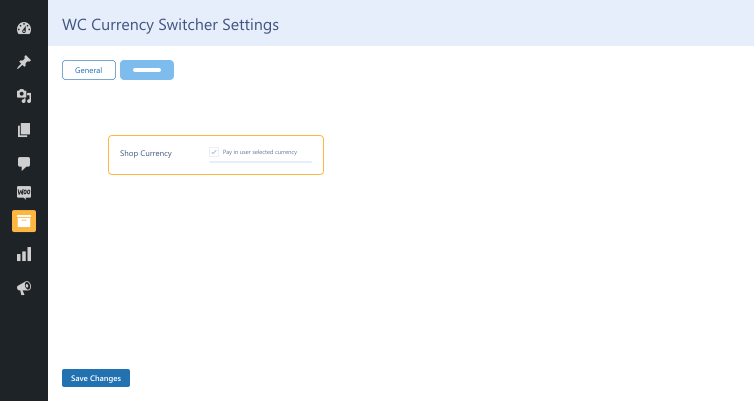
Pay in User-Selected Currency

Pay in User-Selected Currency

Let customers complete purchases in their preferred currency without unexpected conversion fees.

Price Rounding & Price Charm

Price Rounding & Price Charm

Use automatic rounding and price charm strategies (e.g., .99) to make product prices more appealing.

Order Sync in Base Currency

Order Sync in Base Currency

Sync orders received in different currencies and convert them to your store’s base currency.

Global Accessibility

Global Accessibility

Offer multiple currencies to welcome shoppers worldwide.

Custom Product Pricing

Custom Product Pricing

Set custom prices for each product in different currencies for full control over your pricing.
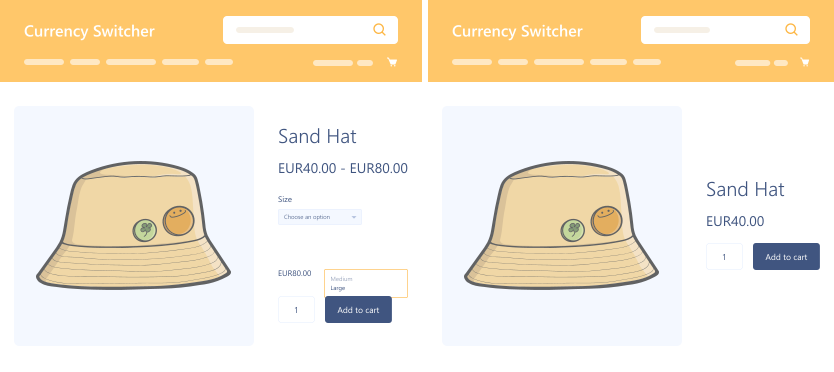
Currency Switcher on Product

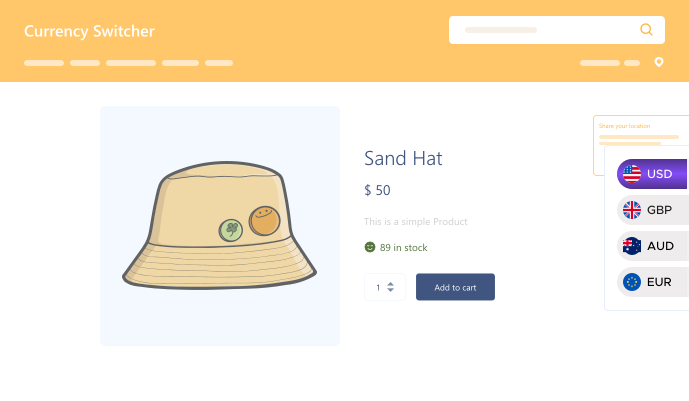
Currency Switcher on Product

Let customers switch currencies directly on the product page for a smoother shopping experience.

Manual Order Currency

Manual Order Currency

Easily change the currency for manual orders, giving you more flexibility when creating orders.

Plugin Screenshots

Version History

N = new

U = update

D = dev

F = fix

R = remove

O = other

  • F – bug fixes.
  • F – shipping cost conversion issue.
  • F – currency by billing country at checkout.
  • N – compatibility with wpml.
  • N – automate currency rate in zone pricing.

  • N – compatibility with all products for woocommerce subscriptions (by woo).
  • F – bug fixes.
  • N – currency in manual order
  • N – show currency switcher in product page
  • N – per product pricing in different currencies
  • N – compatibility with dynamic pricing (by addify)
  • F – api location
  • F – multisite activation
  • F – support wooc-1793
1.9.4 2025-02-17
  • O – fix- compatibility with woo conditional shipping and pricing (by woo) (wooc-1934).
1.9.3 2025-02-11
  • O – fix- bug fixes.
1.9.1 2025-01-14
  • N – compatibility with cache plugin (wprocket, litespeedcache).
  • N – compatibility with gift card plugin (yith).
  • N – free api integeration (ip location, exchange rate).
1.9.0 2024-05-12
  • N – code optimization.
  • N – compatibility with woo conditional shipping and pricing (by woo).
  • N – compatibility with woocommerce measurement price calculator (by skyverge).
  • N – integration with maxmind geolocation.
  • N – compatibility with smart custom product addons and fields (by wpexperts).
  • N – compatibility with dynamic and role based pricing (by wpexperts).
  • F – currency rate input box issue.
  • F – woo analytics order sync ui.
  • O – kolya lukin).
1.8.0 2024-07-25
  • N – currency switcher service provider apis.
  • N – compatibility with wholesale suit.
  • N – compatibility with wholesale for woocommerce (custom user role currency).
  • N – compatibility with woocommerce bookings.
  • N – compatibility woocommerce deposits.
1.7.3 2024-05-24
  • F – support fixes.
1.7.2 2024-05-15
  • N – added filter to modify settings menu for user roles.
  • N – added new filters to change the converted values. “wccs_set_currency”, “wccs_set_currency_info”
  • F – restrict the api calls hitting to ipapi continuously.
1.7.0 2023-12-22
  • N – change currency on billing country.
  • N – compatible with addify b2b woocommerce.
  • N – compatible with woo analytics orders/products (beta)
  • N – compatible with woocommerce product addons
  • F – shipping cost not calculating on block checkout.
  • U – declared compatibility with the cart/checkout blocks.
1.6.2.1 2023-10-11
  • F – support issue fixed with subscription plugin.
1.6.2 2023-05-04
  • N – filter hook `wccs_hook_priorities` to modify woocommerce hooks priorities.
  • U – changed location of the hook `wp_footer` from wccs.php to wccs-core.php.
  • U – moved the session_start() to the `template_redirect` hook.
1.6.1.1 2023-05-02
  • U – woocommerce security issue.
1.6.1 2023-04-10
  • F – tested upto php version 8.0
  • F – tested upto woocommerce version 7.4.0
  • F – tested upto wordpress version 6.1.1
  • N – compatible with role based pricing addon.
  • N – hpos compatible.
1.6.0 2023-01-02
  • F – error on analytics reports admin area (wooc-477).
  • N – add filters to surpass shipping conversion for shipping compatibility ( ‘wccs_surpass_shipping_conversion’ ).
  • F – default currency not passing properly in paypal.
  • F – shipping issue fixed for subscription product in cart.
  • N – decimal in zone pricing.
  • N – price rounding.
  • N – price charming.
  • U – woocommerce security issue.
1.5.6 2021-10-06
  • N – use “wccs_change_default_currency_label” filter to change default currency label on menu.
  • O – added wp_doing_ajax() condition to work with ajax properly.
1.5.5 2021-06-28
  • N – added zone pricing.
  • U – add settings into tabs.
  • F – session_start issue fixed for rest api’s.
1.5.0 2021-04-30
  • F – conflicting with currency by location.
  • F – removed css referring to body & .container elements.
  • N – support with tiered price table for woocommerce.
  • N – support with woocommerce discount coupons.
  • N – change currency on billing country.
  • N – change currency on language (wpml).
  • N – option to add location api to change currency by location.
1.4.3 2021-03-29
  • F – currency by location conflicting with shortcode.
  • F – shipping charges calculation wrong when pay in user selected currency option disabled.
  • F – favicon removed when sticky switcher is enabled.
1.4.2 2021-02-24
  • F – compatibility issue with all product subscription plugin.
1.4.1 2021-02-17
  • F – currency switch according to user ip with sticky or menu switcher enable.
  • O – update | remove (default) from currency menu for default currency.
1.4 2020-12-29
  • F – booking product price change on cart automatically if currency is switch.
  • F – currency converter on menu conflict issue.
  • N – you can switch from setting whether to show currency symbol or currency iso code.
  • N – you can add prefix before currency symbol.
  • N – compatible with wholesale for woocommerce.
  • F – sticky switcher arrows fixed.
  • F – fixed issue for currency getting from location ip of user.
  • N – introcude new filters to change urls to fetch value from location. “wc_currency_get_location_url”, “wc_currency_location_data”
  • N – compatible with all product subscription plugin.
  • F – minicart update fixed.
  • N – use “wccs_change_default_currency_label” filter to change default currency label.
1.3 2020-12-02
  • F – sale price not converting with euro.
  • F – switcher on menu.
  • F – added missing flags.
  • N – currency switch according to user ip.
  • N – hide payment gateway according to currency.
  • N – compatible with woocommerce booking.
  • N – compatible with multisite.
1.2.3 2020-10-21
  • F – fixed signup fees on cart page.
  • N – european union flag for euro.
  • U – sort currency array with name in asc.
1.2.2 2020-10-09
  • N – compatible with woocommerce subscription.
  • N – query string supported (?currency=usd).
1.2.1 2020-10-08
  • F – sale price.
1.2 2020-09-30
  • F – exchange rate api.
1.1 2020-09-23
  • F – default currency position.
1.0 2020-08-11
  • O – initial release.

Version: 2.0.5

Version History: Changelog

Last Update: 2026-07-24

Customize Currency Options
Multi-Currency Switcher
Multiple Currencies
still have a question

Still have a question?

FAQ’s

How does Currency Switcher for WooCommerce determine which currency to display?

The multi currency switcher plugin uses Geo-Location IP detection to automatically identify the customer’s location and display prices in their local currency. Customers can manually change the currency from a WooCommerce currency converter widget, menu, or sticky currency switcher on your store.

Can I customize how currencies appear in my store?

Yes! With this WooCommerce currency switcher, you can customize symbols, currency codes, and display styles to match your brand’s look and feel. The WooCommerce currency switcher plugin also lets you choose how currency is displayed by symbol, ISO code, or with country flags.

Is it possible to add multiple currencies and control pricing by region?

With this top currency exchange plugin, you can add multiple currencies and set custom pricing by region using the Multiple Zone Pricing feature. This allows for tailored pricing for both simple and variable products across different countries or zones.

How are currency exchange rates managed?

WooCommerce currency converter plugin offers two options: fixed exchange rates that you set manually for stable pricing, and live API-based exchange rates from providers like Open Exchange Rates, Fixer API, and more—updated automatically at intervals you define.

Can the checkout currency change based on the billing or shipping address?

Yes, the currency converter WooCommerce plugin supports dynamic currency changes during checkout based on the customer’s billing or shipping country, ensuring accurate pricing in their local currency throughout the entire purchase process.

Second Thoughts? No Sweat!

You’ve got 14 days to change your mind and get your money back!