


Custom Checkout Fields Editor for WooCommerce

Custom Checkout Fields Editor for WooCommerce allows you to personalize checkout fields, insert new sections, and make the customer experience smooth.

  • Customize Billing  Fields

    Customize Billing Fields

  • Customize Shipping Fields

    Customize Shipping Fields

  • Quick Fields Management

    Quick Fields Management

  • Custom Checkout Fields

    Custom Checkout Fields

  • New Checkout Sections

    New Checkout Sections

  • Money Back Guarantee
  • Woo Pro Partner
  • Safe and Secure Checkout
  • 80+ Clutch reviews
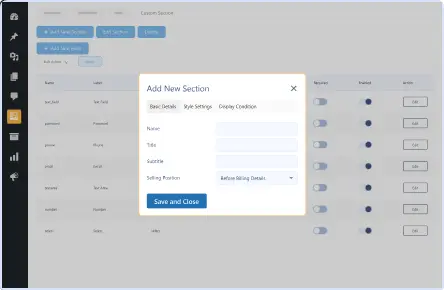
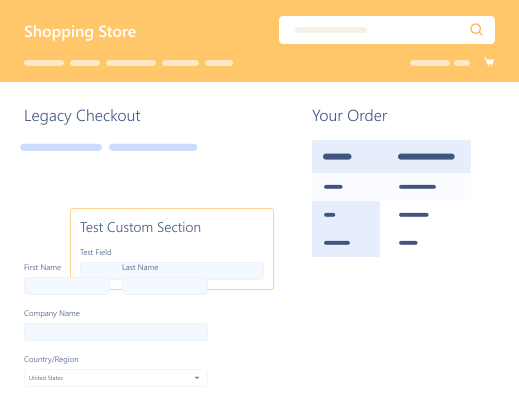
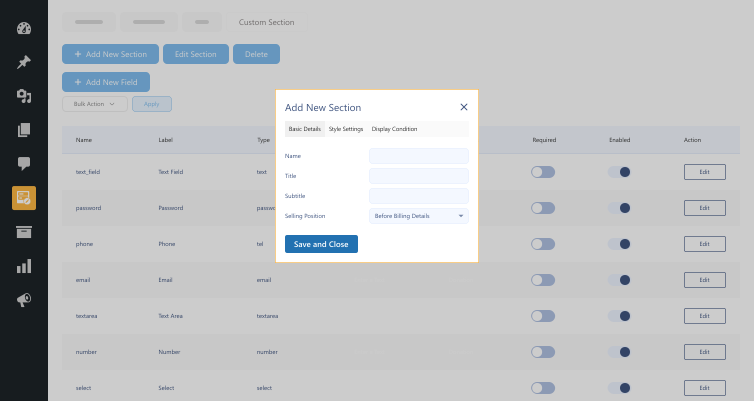
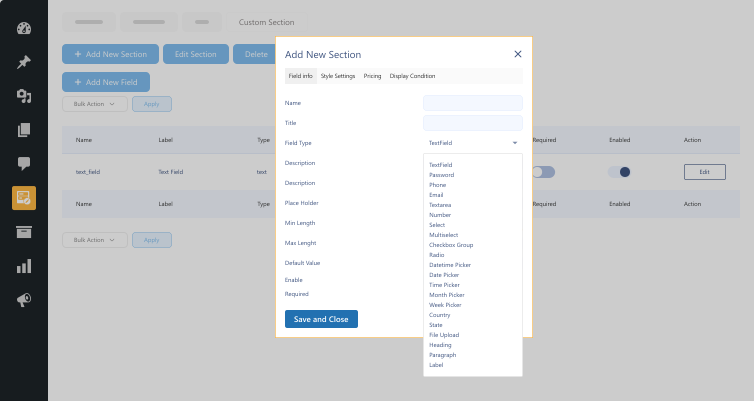
Add New Sections to Checkout
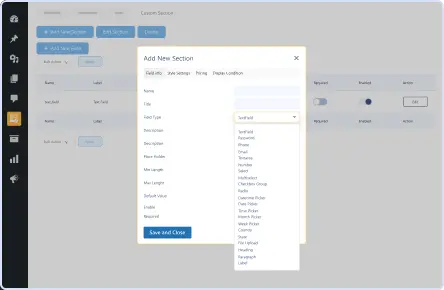
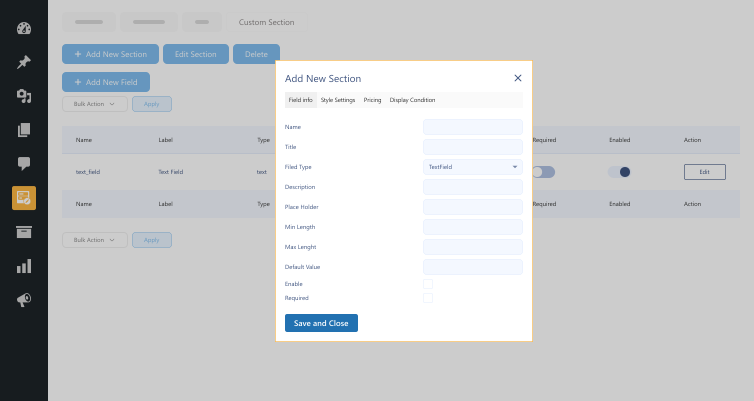
Add Custom Fields
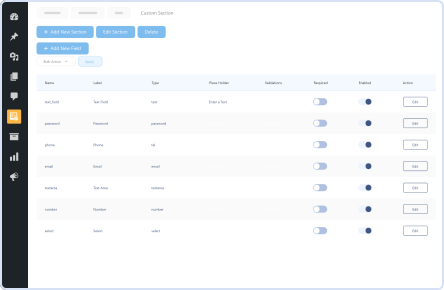
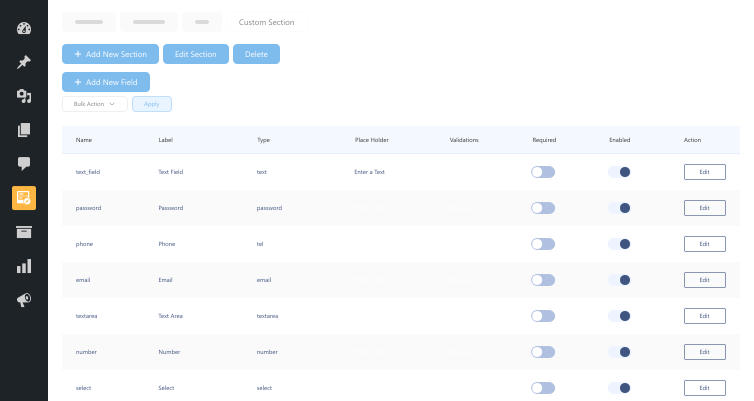
Manage Custom Fields Effectively

Pricing Plan

Basic

$49.99/Billed Annually

Single Site

  • Priority Support
  • Regular Plugin Updates
  • All Core Features Included
  • Auto-Renew Subscription

Agency

$4900

$149.99/Billed Annually

100 Sites

  • Priority Support
  • Regular Plugin Updates
  • All Core Features Included
  • Auto-Renew Subscription

14 Day Money-Back Guarantee

We are committed to your satisfaction that our products will elevate your online store’s performance, backed by our 14-day money-back guarantee. Please review our Refund Policy for more details.

Enjoy Up to 80% OFF on Our All Access Pass Lifetime Plan — Limited-Time NEW YEAR Deal

Custom Checkout Fields Editor for WooCommerce Features

This plugin enables WooCommerce administrators to customize the checkout process altogether. Adding new sections and custom fields to employing conditional logic and pricing rules offers flexibility and ease of use.

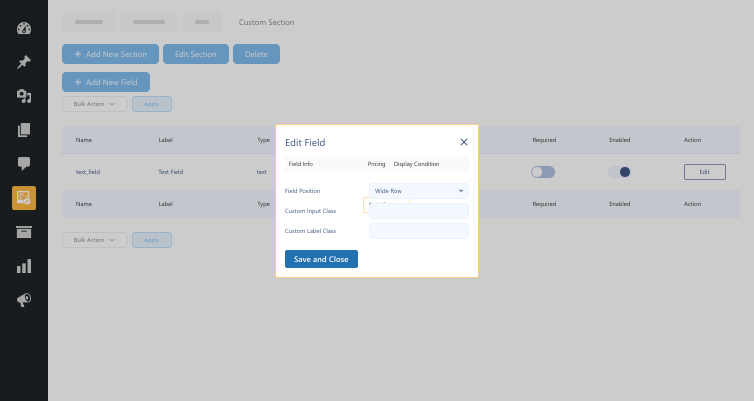
Style Settings for Fields and Sections

Style Settings for Fields and Sections

Customize field and section look to suit your store's branding.

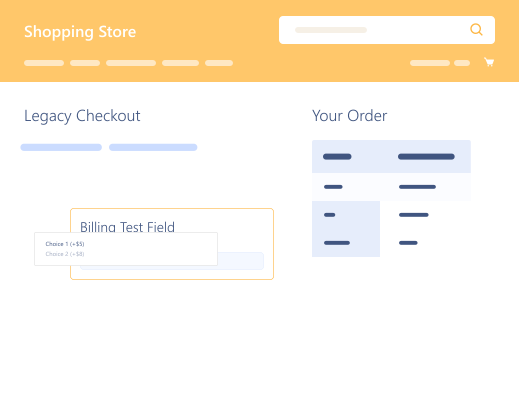
Customize Billing Fields

Customize Billing Fields

Add or modify fields in the billing area to capture necessary order details.

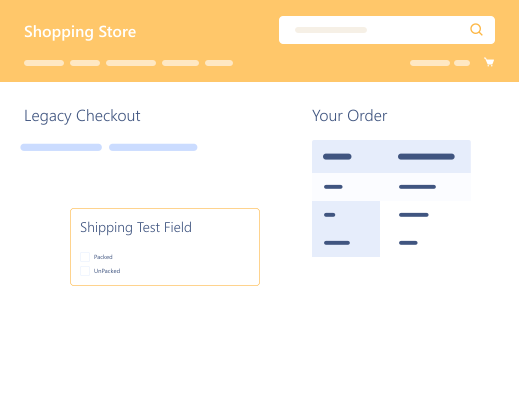
Customize Shipping Fields

Customize Shipping Fields

Add more fields to the shipping area for special instructions or delivery preferences.

Additional Fields Section

Additional Fields Section

Add extra fields in the Additional Fields section to provide additional options or capture more details.

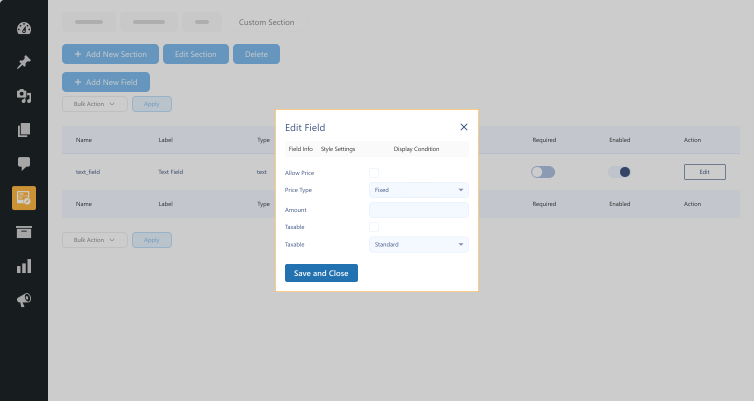
Pricing Rules

Pricing Rules

Apply fixed or percentage-based additional charges to custom fields.

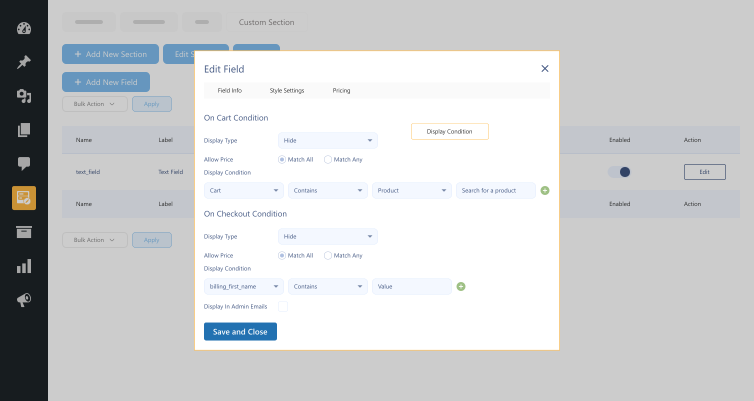
Display Conditions

Display Conditions

Show or hide fields based on cart and checkout data.

Easy Setup & User-Friendly Interface

Easy Setup & User-Friendly Interface

Simple installation with an intuitive admin panel for management.

Enhanced Data Collection

Enhanced Data Collection

Gather valuable customer insights with custom checkout fields.

Improved Checkout Experience

Improved Checkout Experience

Optimize checkout flow to reduce cart abandonment and boost sales.

Plugin Screenshots

Version History

N = new

U = update

D = dev

F = fix

R = remove

O = other

1.1.3 2026-01-05
  • F – ui modification
1.1.2 2025-07-31
  • F – bug fixing
1.1.1 2025-01-27
  • O – wooc-1925
1.1.0 2024-11-01
  • N – added cart & checkout block compatibility
1.0.0 2024-09-11
  • O – initial release

Version: 1.1.3

Version History: Changelog

Last Update: 2026-01-05

still have a question

Still have a question?

FAQ’s

What’s Custom Checkout Fields Editor for WooCommerce?

It is a plugin by which WooCommerce store owners can modify checkout fields, introduce new sections, and apply conditional logic for an improved checkout process.
Can I demand additional fees via custom fields?

Depending on customer data in custom fields, you can impose additional charges as a fixed value or percentage charge.

What kinds of field types are supported?

The plugin accommodates text fields, dropdowns, checkboxes, radio buttons, date and time fields, file upload, number fields, and many more.

How simple is the setup?

The extension easily sets up with a user-friendly interface. Even non-tech users can configure and maintain custom checkout fields efficiently.

Can I have conditions applied to when the fields show up?

Yes, you can also set display conditions based on customer choices, cart contents, or other checkout entries.

Does it integrate with WooCommerce Checkout Blocks?

Yes, Custom Checkout Fields Editor is completely compatible with the Checkout and Cart Blocks of WooCommerce.

Can I reorder default WooCommerce checkout fields?

Yes, the plugin enables you to move, delete, or modify default shipping and billing fields at your convenience.

Does this plugin slow down checkout?

No, the plugin is performance-optimized and provides a fast and smooth checkout experience.

Do I need technical knowledge to use this plugin?

No, the simple interface allows anyone to personalize their checkout page without any coding expertise.

Can I include additional fields in the billing and shipping areas?

Yes, you can add and edit fields in both the shipping and billing areas to gather required customer information.

Second Thoughts? No Sweat!

You’ve got 14 days to change your mind and get your money back!