


Get 10% OFF on All Plugins. Use Code Woo10

Notifications for WooCommerce

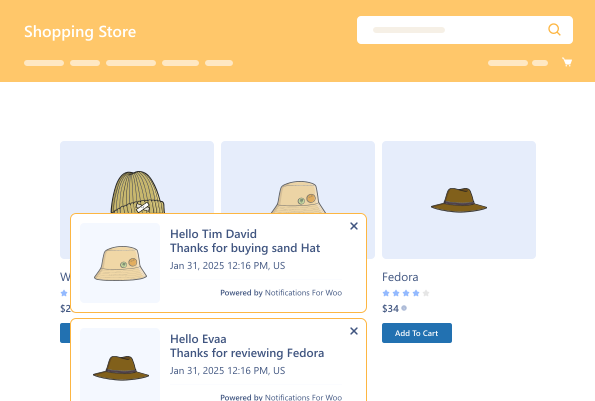
With Notifications for WooCommerce, empower your online store with real-time customer engagement and customizable FOMO alerts, elevating your brand’s credibility and trustworthiness.

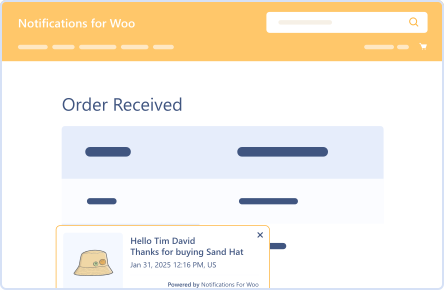
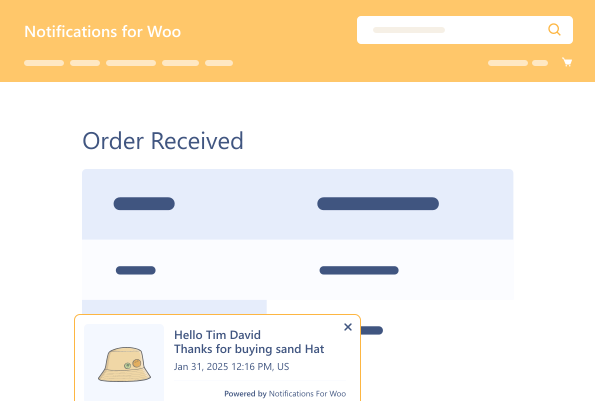
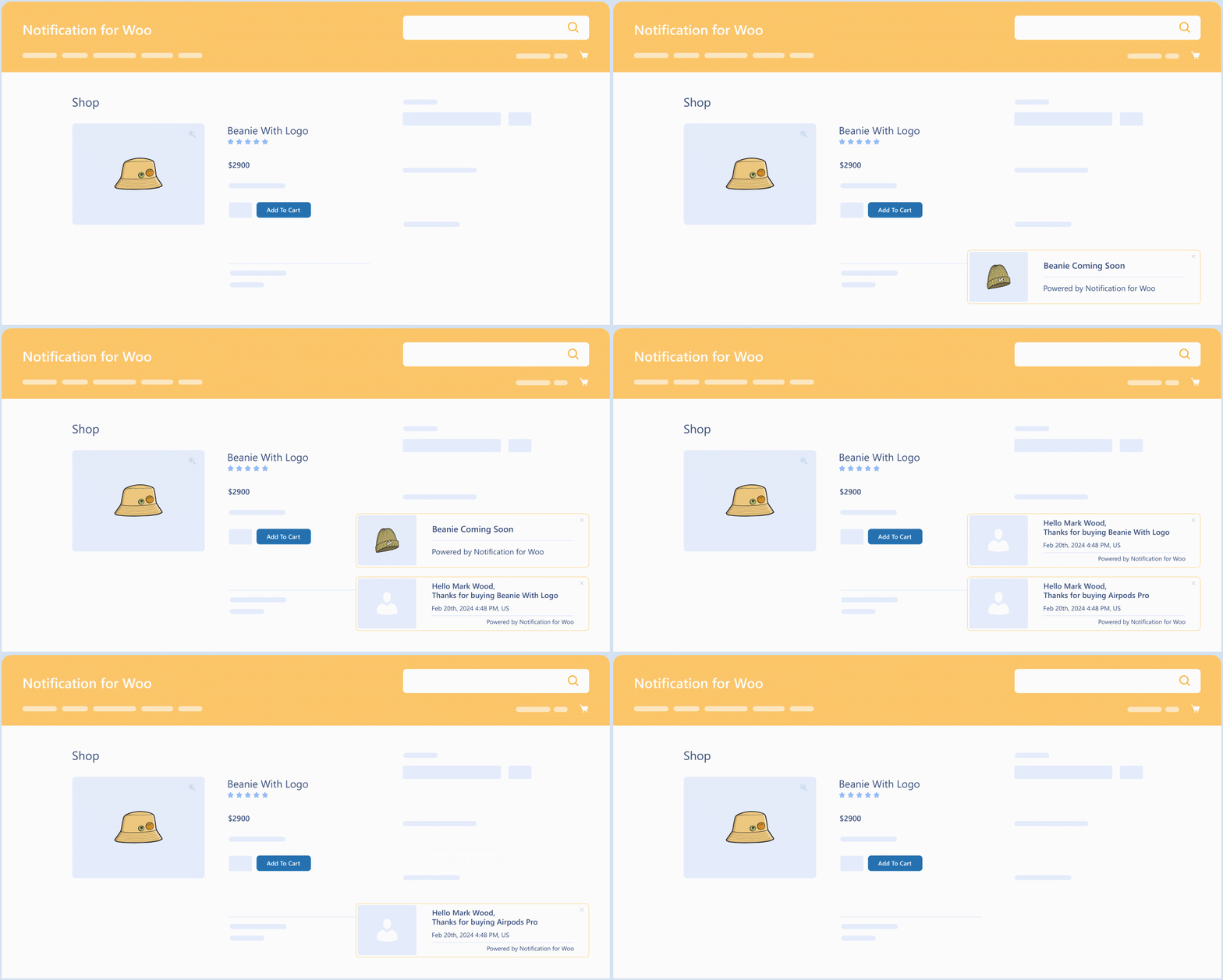
  • Conversion Notification

    Conversion Notification

  • Delete Old Notifications

    Delete Old Notifications

  • Flexible Customization

    Flexible Customization

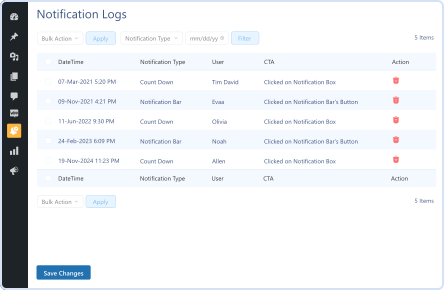
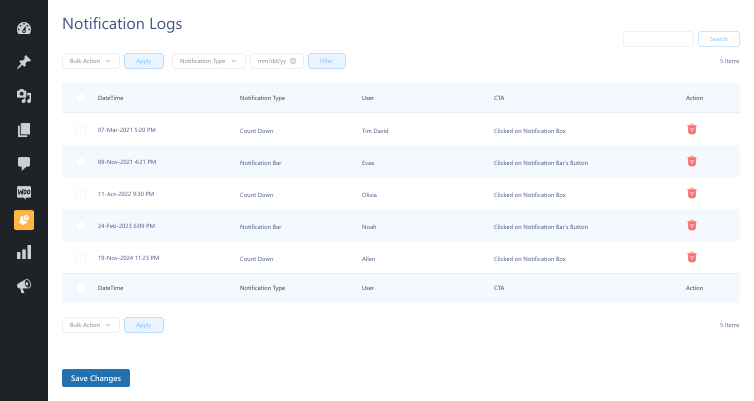
  • Notification Logs

    Notification Logs

  • Set Cookies Duration

    Set Cookies Duration

  • Money Back Guarantee
  • Woo Pro Partner
  • Safe and Secure Checkout
  • 80+ Clutch reviews
user-conversion-notification-feature-in-notification-for-woocommerce-plugin
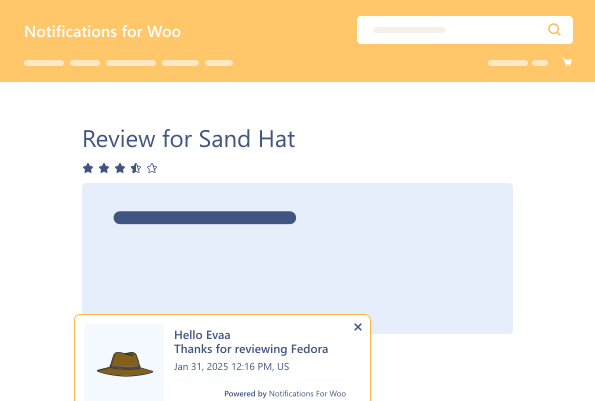
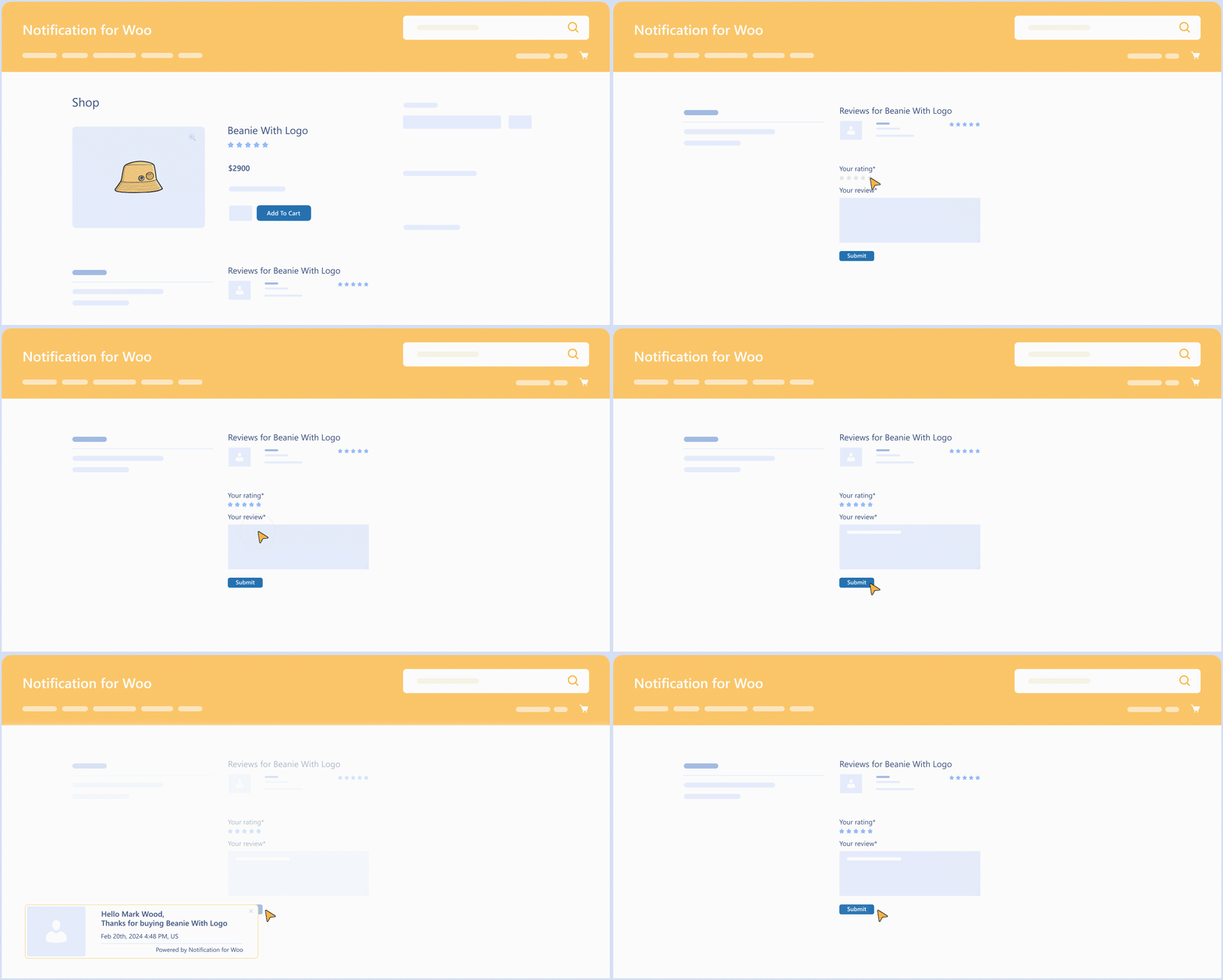
notification-on-review-feature
notification-logs-feature
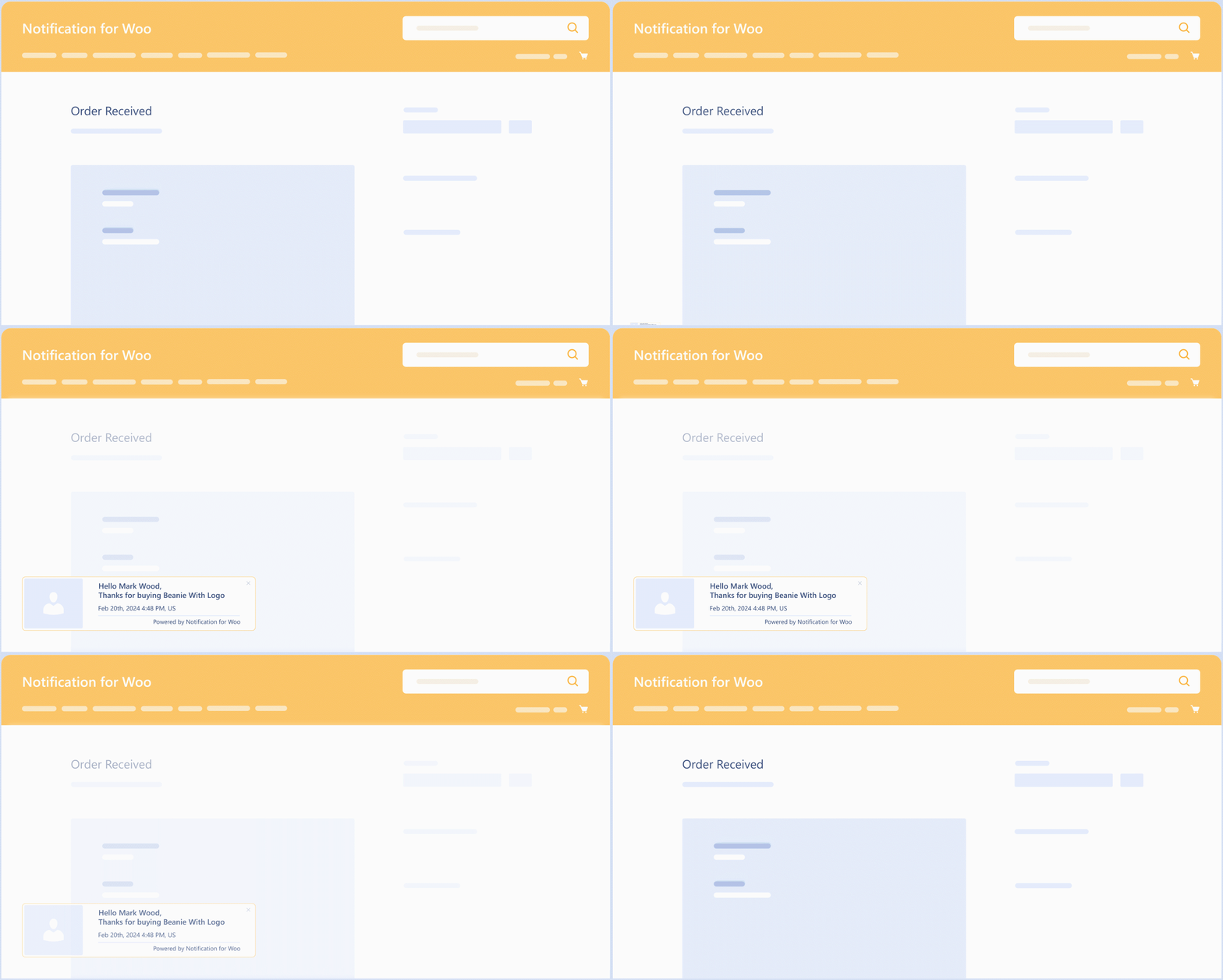
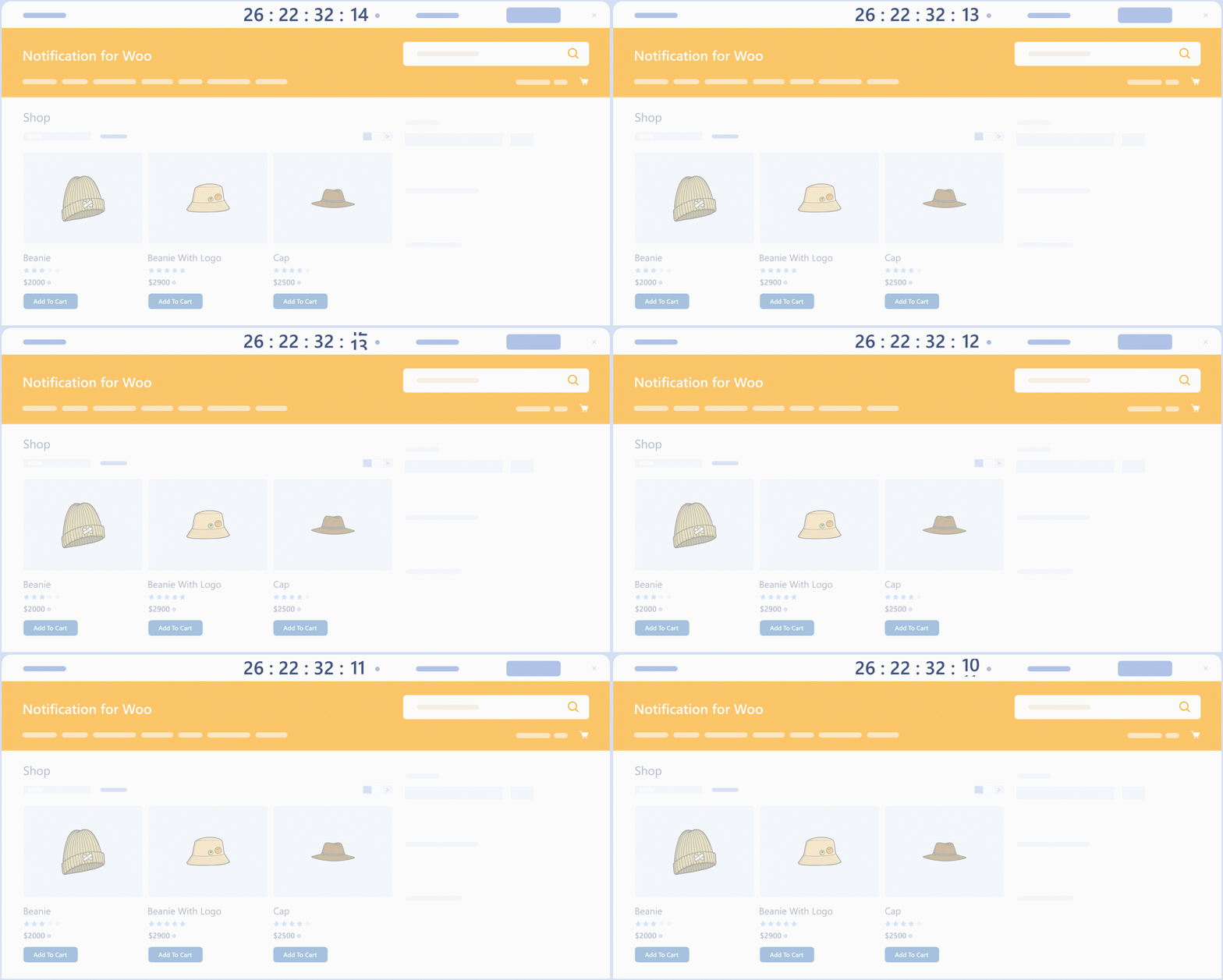
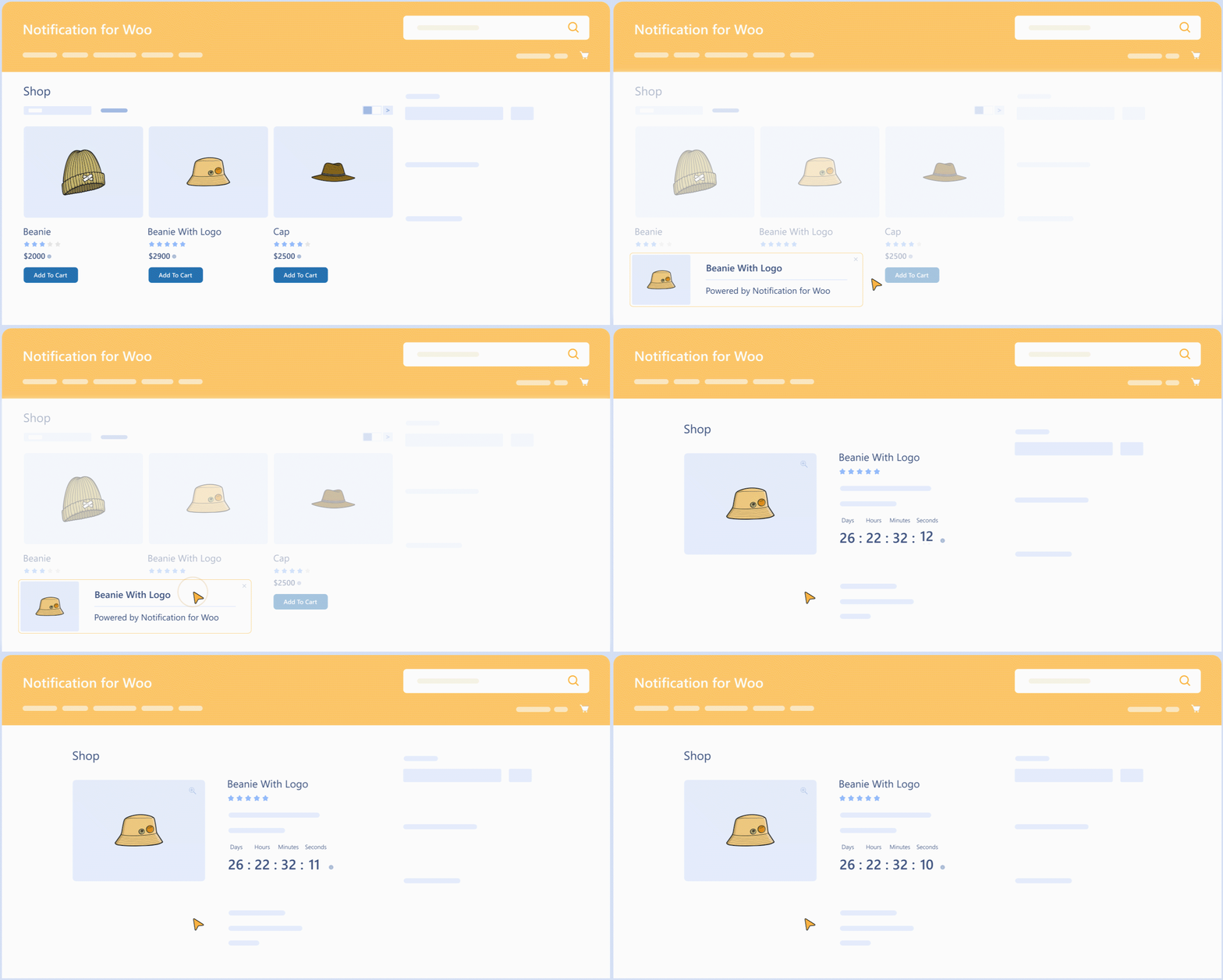
countdown-notification-in-woocommerce-notifications-plugin

Pricing Plan

Basic

$49.99/Billed Annually

Single Site

  • Priority Support
  • Regular Plugin Updates
  • All Core Features Included
  • Auto-Renew Subscription

Agency

$4900

$149.99/Billed Annually

100 Sites

  • Priority Support
  • Regular Plugin Updates
  • All Core Features Included
  • Auto-Renew Subscription

14 Day Money-Back Guarantee

We are committed to your satisfaction that our products will elevate your online store’s performance, backed by our 14-day money-back guarantee. Please review our Refund Policy for more details.

Enjoy Up to 80% OFF on Our All Access Pass Lifetime Plan — Limited-Time NEW YEAR Deal

Notifications for WooCommerce Features

Our impactful WooCommerce push notifications plugin helps you integrate notifications into your sites, enhancing user engagement, trust, and credibility. It offers the following features:

Flexible Customization

Flexible Customization

Customize notification types, designs, and settings to match your brand identity & goals.

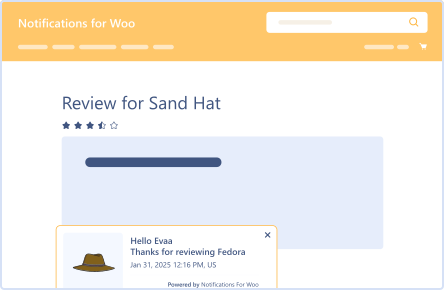
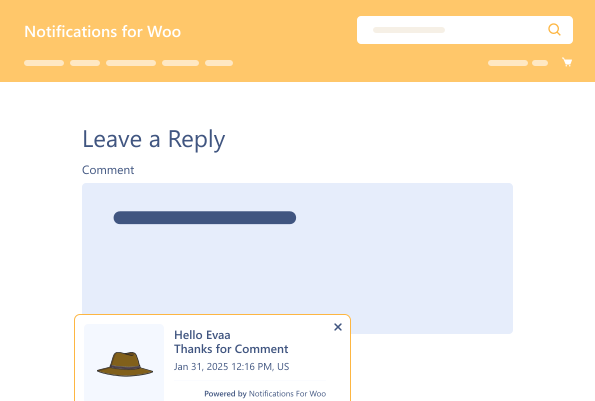
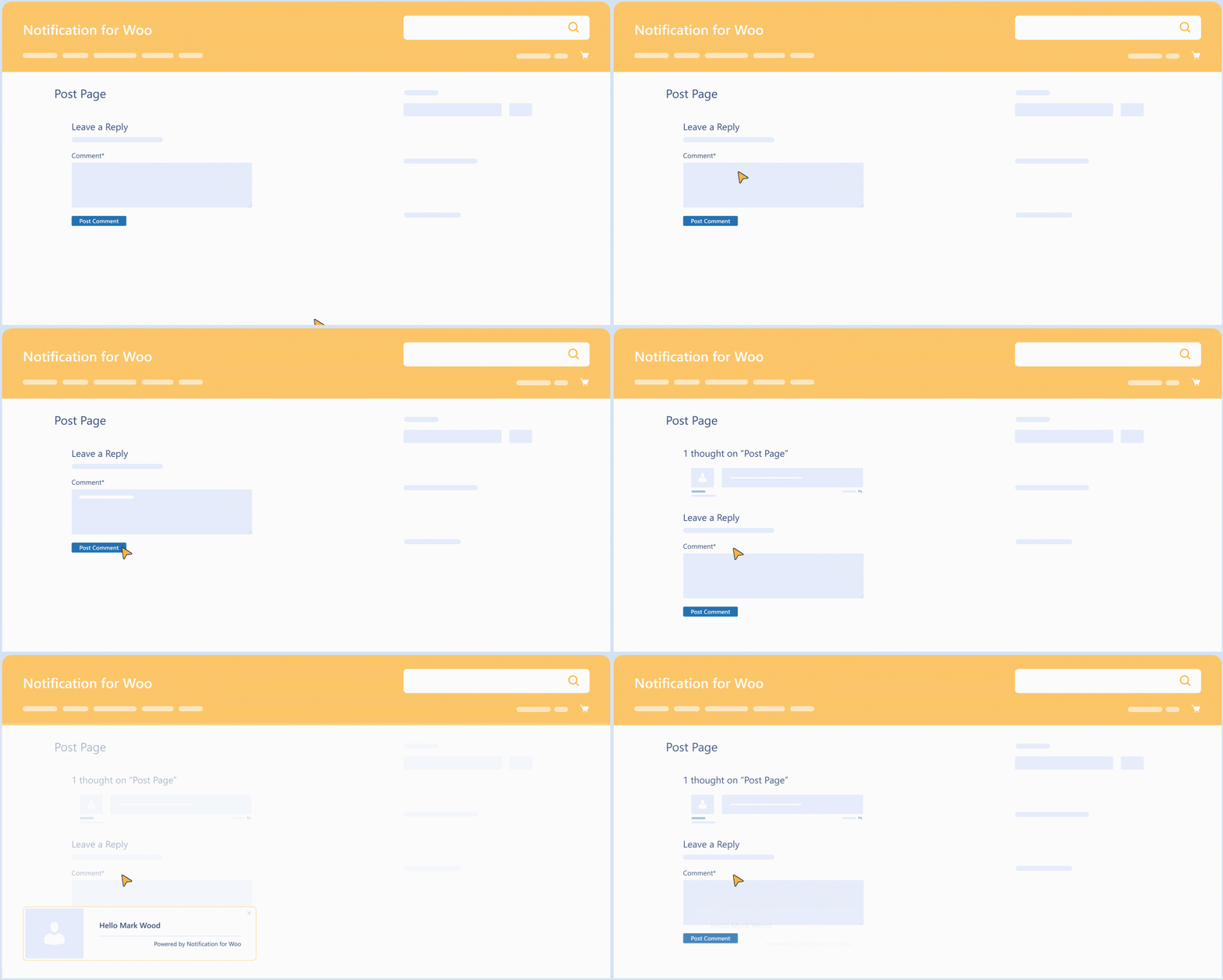
Notification on Comments

Notification on Comments

Stay connected with your audience by triggering notifications for user comments on posts.

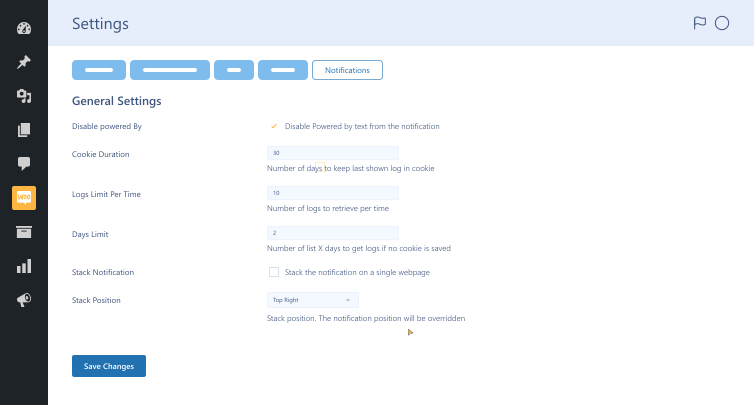
Notification Settings

Notification Settings

Customize plugin’s functionality using customizable notification settings.

Brand Consistency

Brand Consistency

Toggle the “powered by” text on or off to maintain brand consistency.

Set Cookies Duration

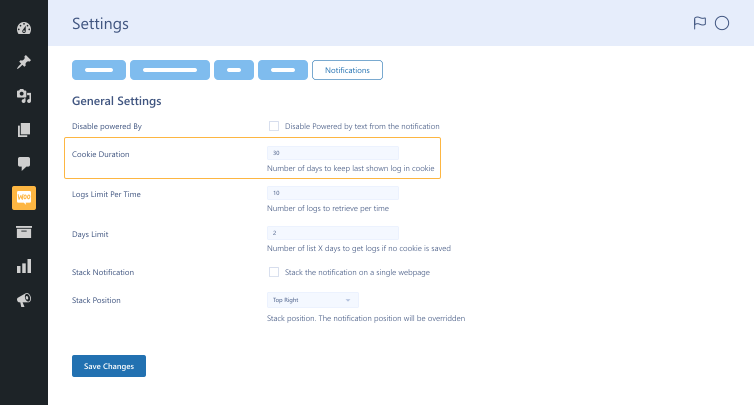
Set Cookies Duration

Control the duration of cookies to regulate the display duration of user notifications.

Delete Old Notifications

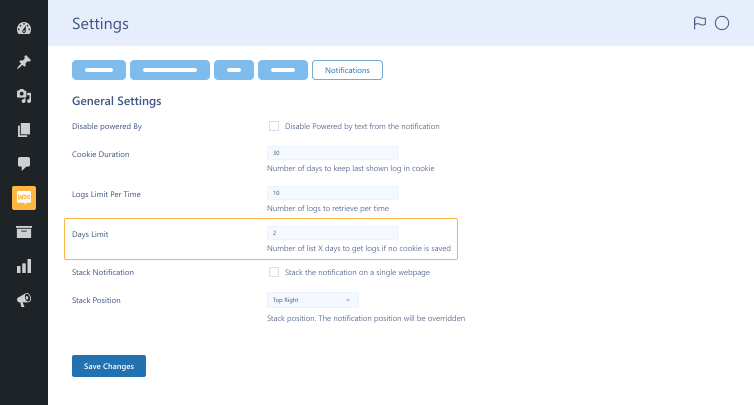
Delete Old Notifications

Set a limit to delete older notifications after a certain number of days.

Enable Slack Notification

Enable Slack Notification

Activate Slack notifications & display multiple notifications sequentially.

Plugin Screenshots

Version History

N = new

U = update

D = dev

F = fix

R = remove

O = other

2.0.2 2025-01-27
  • U – freemius update 2.11.0
2.0.0 2024-04-09
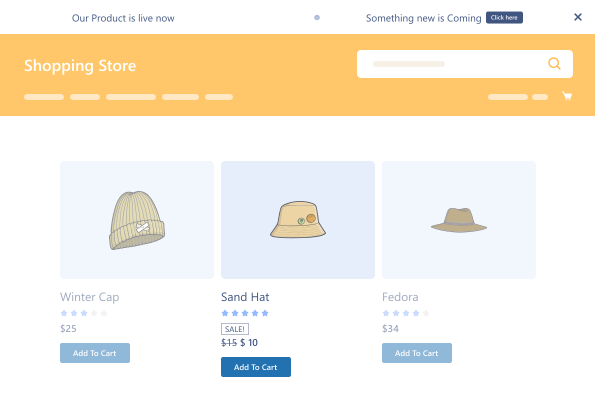
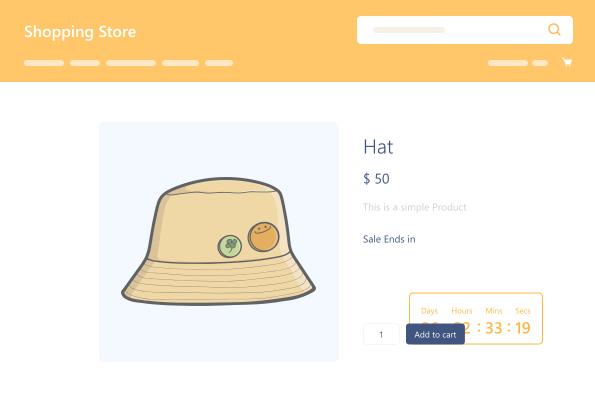
  • N – notification types, notification on review, notification on comments, notification bar, countdown.
  • N – predefined templates for notification box.
  • N – pusher integration to show real-time notifications.
  • U – admin ui modified.
  • U – declared compatibility with the cart/checkout blocks.
1.1.0 2023-04-24
  • N – fading animation when rendering notification.
1.0.0 2023-01-25
  • O – initial release

Version: 2.0.2

Version History: Changelog

Last Update: 2025-01-27

customer engagement
FOMO alerts
Notifications for WooCommerce
still have a question

Still have a question?

FAQ’s

How long does setting up the Notifications for WooCommerce plugin take?

You can easily set up the Notifications for WooCommerce plugin on your WooCommerce site in minutes.

Why should businesses use this social proof plugin?

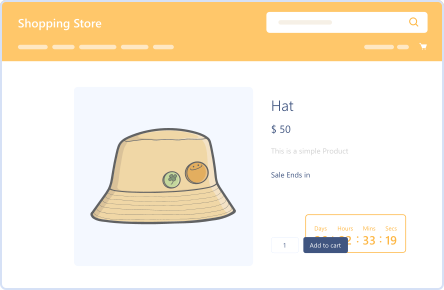
This social proof plugin allows businesses to social-proof their brands by displaying live notifications on their WooCommerce websites. Whether showcasing recent purchases, countdown notifications for product releases, or highlighting user reviews and comments, this plugin keeps your audience engaged and informed.

What are the minimum requirements for utilizing WooCommerce notification plugin?

Here are the minimum requirements you must fulfill before you install the WooCommerce notification plugin on your website: WooCommerce 4.0+ WordPress 5.0+ PHP version 7.5+

Is WooCommerce advanced notifications compatible with other plugins?

The WooCommerce advanced notifications plugin does not support other WordPress plugins, such as Wholesale for WooCommerce, Product Disclaimer for WooCommerce, Restaurant for WooCommerce, and Sales Agent for WooCommerce. However, it is compatible with Pusher, a leading hosted service that helps incorporate real-time data and functionality in websites and mobile apps via APIs.

What can we do to customize the notification design?

This notification plugin lets you customize the notification design using the Styles tab provided in the plugin settings. This will allow you to adjust fonts, layouts, and colors.

Can we deactivate specific types of notification settings?

You can turn off the specific notification setting types from the social proof notification plugin settings using the General tab.

Second Thoughts? No Sweat!

You’ve got 14 days to change your mind and get your money back!