


Get 10% OFF on All Plugins. Use Code Woo10

Product Quantity for WooCommerce

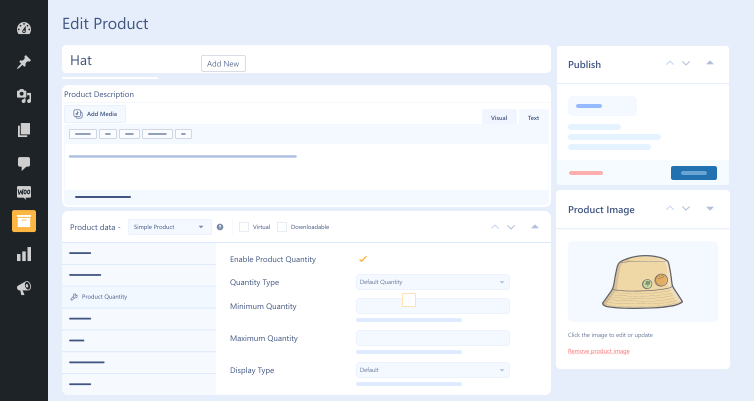
With the advanced product quantity plugin, smartly manage the number of items customers can purchase per product and effortlessly control customers' interaction with your inventory.

  • Wallet icon with a card partially visible on a light blue background.

    Boxes Quantity Display

  • Custom Quantity

    Custom Quantity

  • Abstract blue logo with a rounded, L-shaped form and a small orange curved accent on a pale blue background.

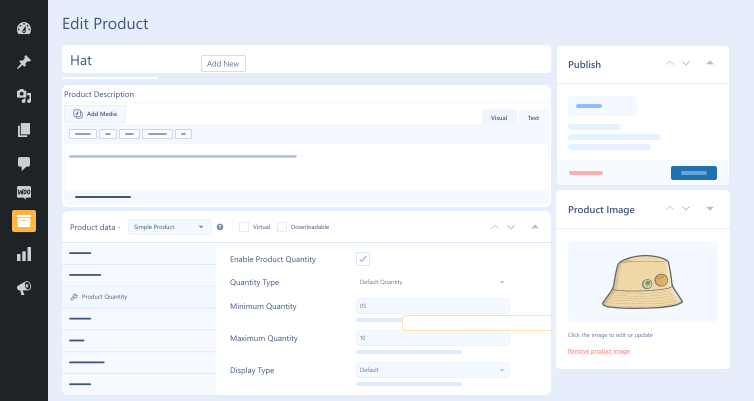
    Default Quantity

  • Vertical progress timeline: left column with four connected circles and a right column of four rounded blue, light blue, purple, and orange badges.

    Step Quantity

  • Step Counter Alert

    Step Counter Alert

  • Money Back Guarantee
  • Woo Pro Partner
  • Safe and Secure Checkout
  • 80+ Clutch reviews
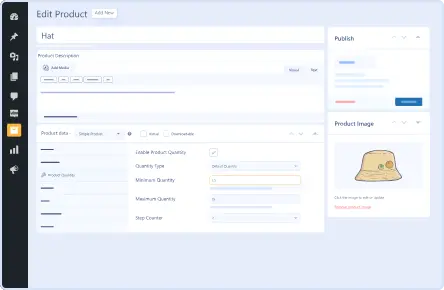
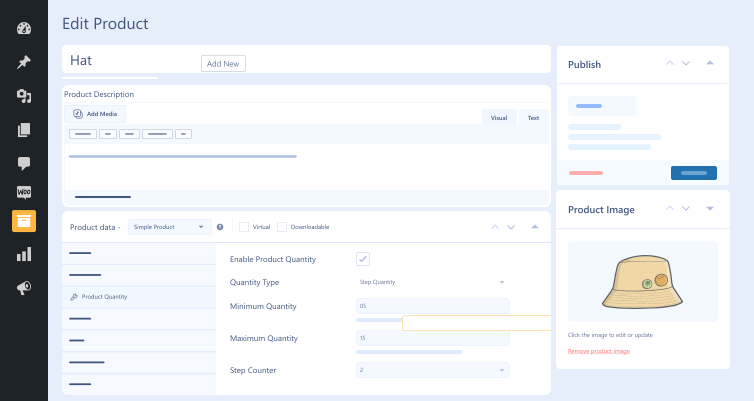
simple-product-settings-feature-in-product-quantity-for-woocommerce-plugin
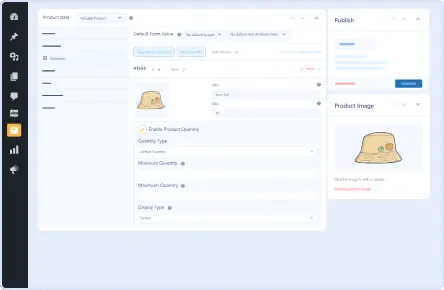
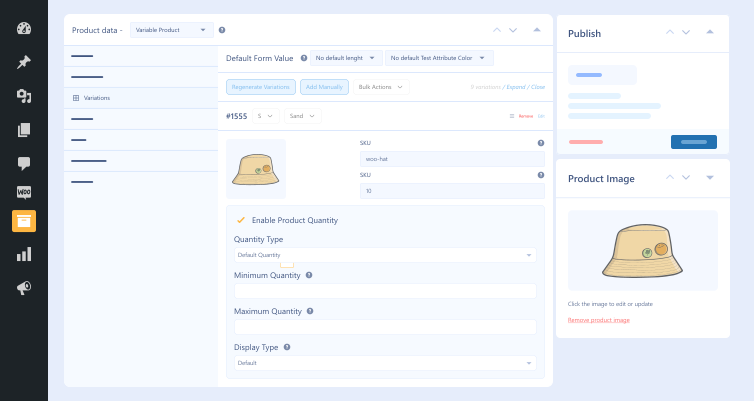
variable-product-settings-with-product-quantity-woocommerce-plugin
decimal-quantity-settings-in-product-quantity-extension
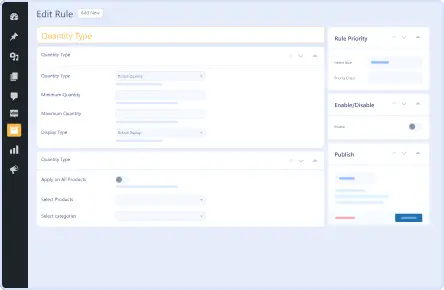
product-quantity-rules-in-woocommerce-order-quantity-plugin
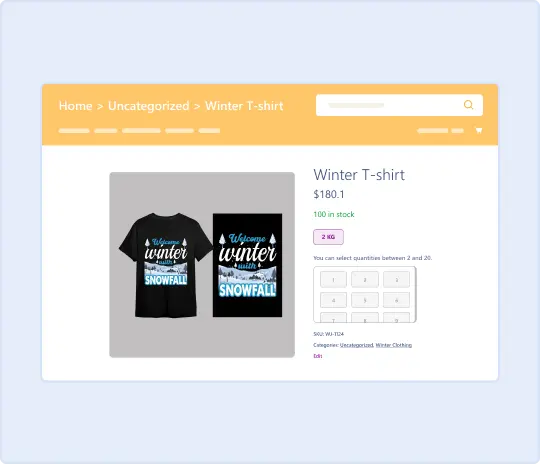
Quantity Input for Products Image

Pricing Plan

Basic

$49.99/Billed Annually

Single Site

  • Priority Support
  • Regular Plugin Updates
  • All Core Features Included
  • Auto-Renew Subscription

Agency

$4900

$149.99/Billed Annually

100 Sites

  • Priority Support
  • Regular Plugin Updates
  • All Core Features Included
  • Auto-Renew Subscription

14 Day Money-Back Guarantee

We are committed to your satisfaction that our products will elevate your online store’s performance, backed by our 14-day money-back guarantee. Please review our Refund Policy for more details.

Enjoy Up to 80% OFF on Our All Access Pass Lifetime Plan — Limited-Time NEW YEAR Deal

Product Quantity for WooCommerce Features

Our powerful control product quantity plugin offers all the desired features that help businesses streamline their WooCommerce operations, such as:

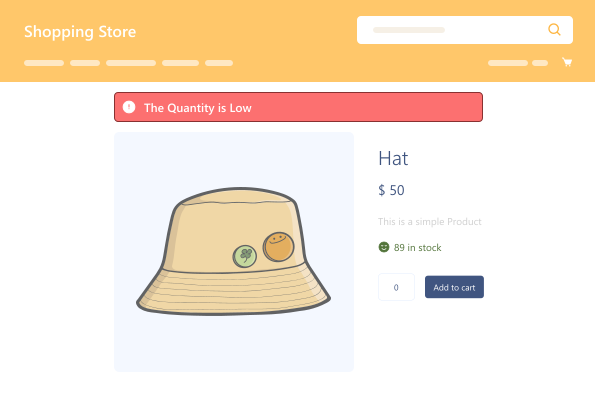
Custom Alerts

Custom Alerts

Notify customers via alerts upon exceeding the quantity limits.

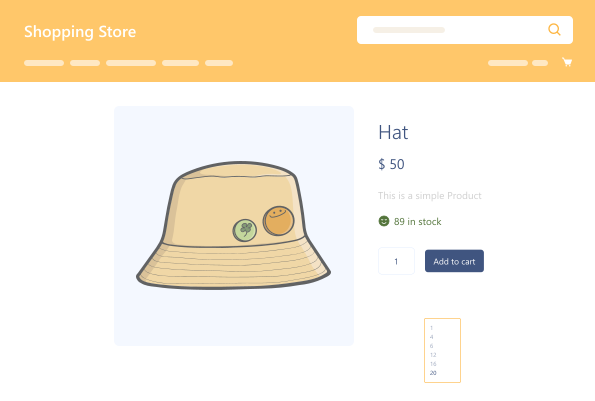
Custom Quantity

Custom Quantity

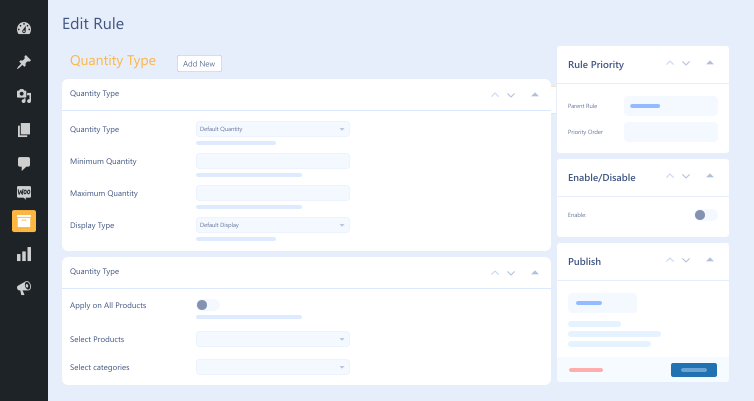
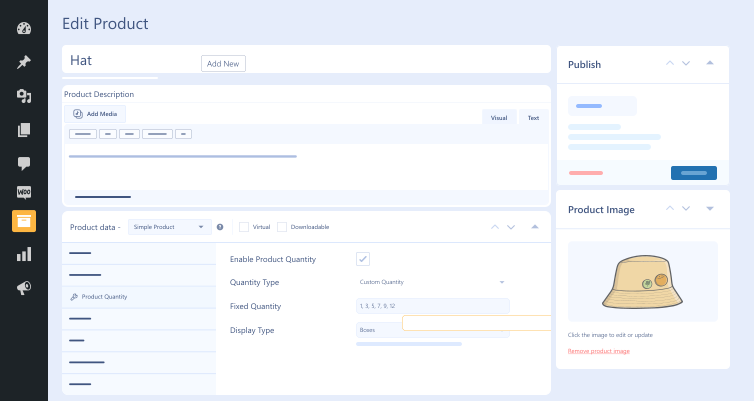
Set various custom quantity options separated by commas (e.g., 1, 3, 5, 7).

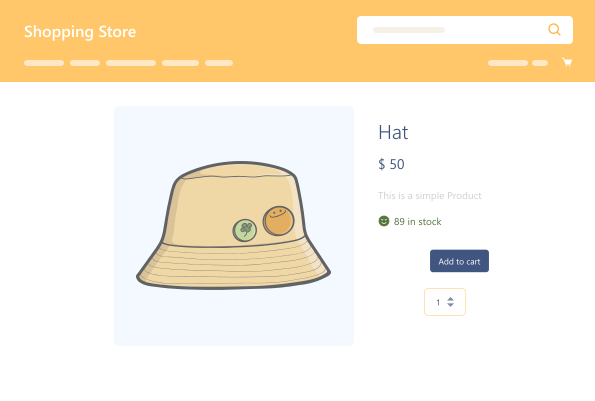
Default Quantity

Default Quantity

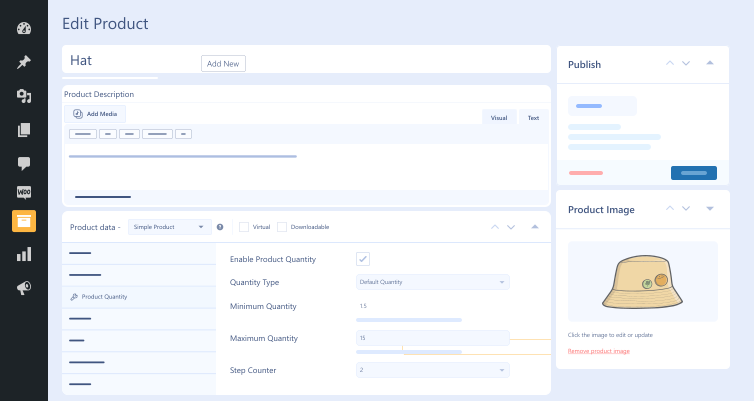
Set minimum & maximum quantities range, allowing customers to choose from.

Default Quantity Display

Default Quantity Display

Showcase the quantity field in the standard WooCommerce format.

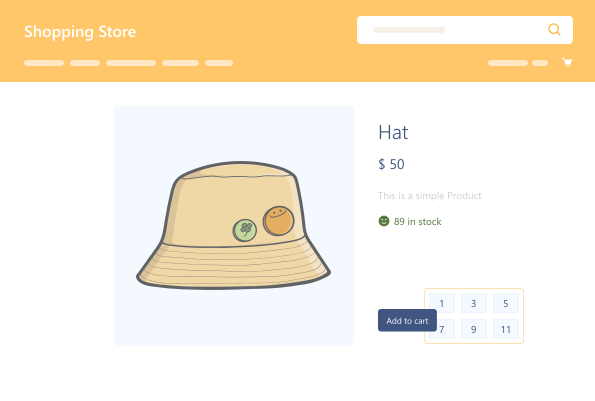
Boxes Quantity Display

Boxes Quantity Display

Display quantity options using a grid-like design.

Dropdown Quantity Display

Dropdown Quantity Display

Showcase a dropdown list of predefined quantity options.

Fixed Quantity

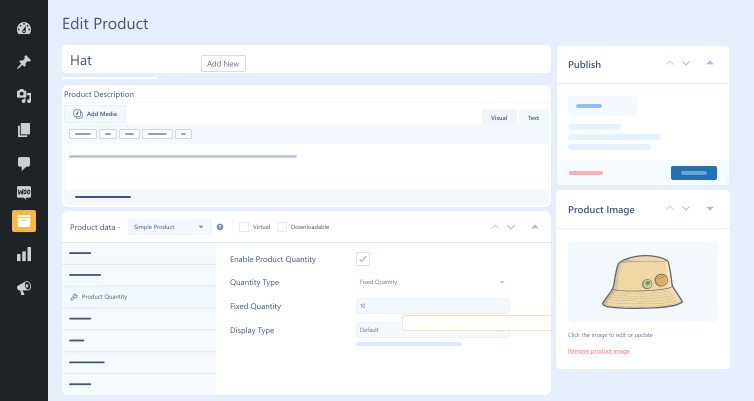
Fixed Quantity

Customers can buy a specific number of products.

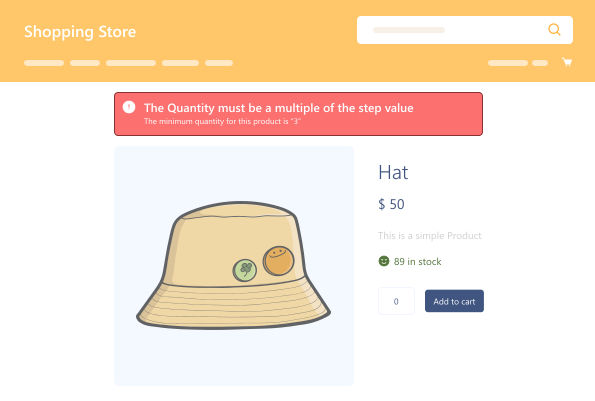
Step Counter Alerts

Step Counter Alerts

An alert notifies customers when selected quantity differs from step counter. 

Step Quantity

Step Quantity

Customers can purchase in bulk quantities.

Plugin Screenshots

Version History

N = new

U = update

D = dev

F = fix

R = remove

O = other

1.1 2026-01-12
  • N – compatibility with bulk order ( wpexperts ).
  • F – quantity input
1.0.1 2025-04-24
  • N – compatibility with quote for woocommerce ( wpexperts ).
  • F – ui modifications
1.0.0 2024-06-13
  • O – initial release.

Version: 1.1

Version History: Changelog

Last Update: 2026-01-12

still have a question

Still have a question?

FAQ’s

How can we notify customers if they exceed quantity limits?

The Product Quantity for WooCommerce plugin lets you notify customers if they exceed the maximum, minimum, and step quantity rules on product and cart pages.

Can we apply different quantity rules to different product variations?

This WooCommerce order quantity plugin allows users to create custom rules for individual product variations. Thus, users can apply various rules to different product variations.

What are the minimum requirements for using Product Quantity for WooCommerce?

Here are the minimum requirements you must fulfill before you configure the WooCommerce order quantity plugin on your site: WooCommerce 4.0+ WordPress 5.0+ PHP version 7.5+

Does the quantity-based pricing plugin support decimal quantities?

The quantity-based pricing plugin supports decimal quantities, enabling businesses to sell products based on weight, length, or volume.

Is Product Quantity for WooCommerce compatible with other plugins?

Product Quantity for WooCommerce does not support other WordPress plugins, such as Product Disclaimer for WooCommerce, Wholesale for WooCommerce, Restaurant for WooCommerce, and Sales Agent for WooCommerce.

Second Thoughts? No Sweat!

You’ve got 14 days to change your mind and get your money back!