


Extraordinary WooCommerce Sequential Ordering Plugin
The WooCommerce sequential ordering plugin streamlines order management. It empowers customers to track their orders themselves, optimizing the shopping experience. The plugin also allows users to customize the format with prefix, suffix, and number fields.
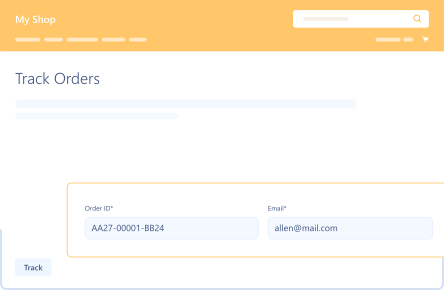
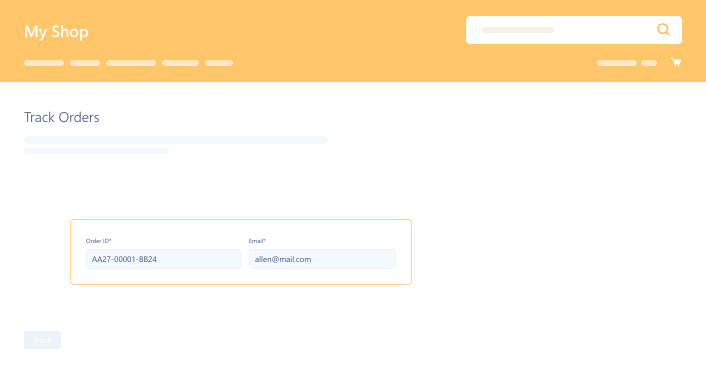
Smart Order Tracking
Customers can track orders by entering their order IDs and emails. Allow them to view order statuses and improve transparency.
- Clear order tracking helps customers save time & effort.
- Offer an engaging shopping experience to customers.
- Provide users with accurate information about their order statuses.
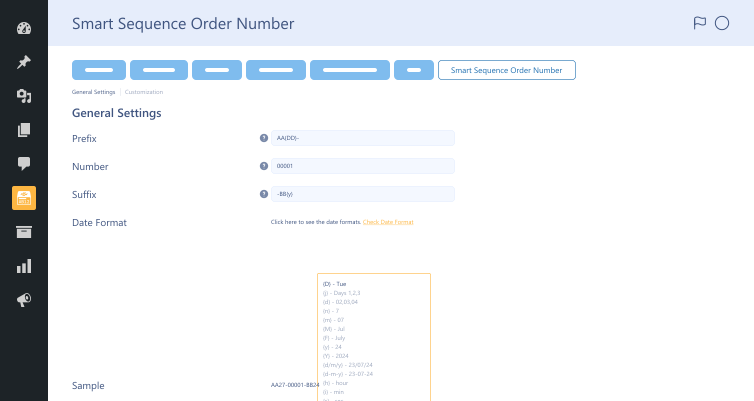
Date Format
Incorporate current day, month, or year in order numbers, keeping them up-to-date and time-bound. Use various date format shortcodes.
- Dynamic data elements keep order numbers relevant & time-specific.
- Identify & track orders through dates in order numbers.
- Simplify record keeping by sorting orders chronologically.

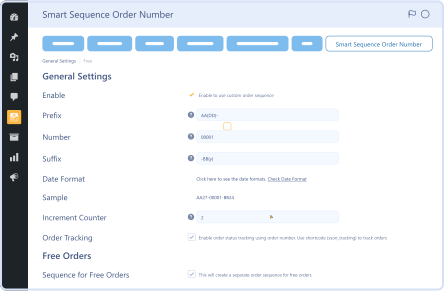
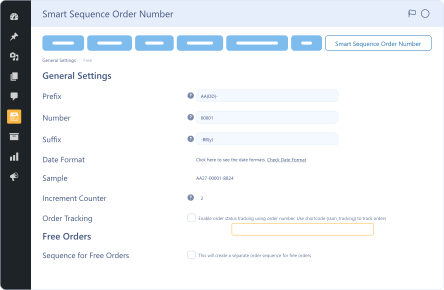
Smart Sequence Order Number Settings
Sequence order number settings help businesses configure their stores’ order numbering systems, making order number generation a breeze.
- Customize order numbers according to your business needs without difficulty.
- Unique order numbers help avoid errors in the order tracking.
- Businesses can make informed decisions based on clear & accurate order data.
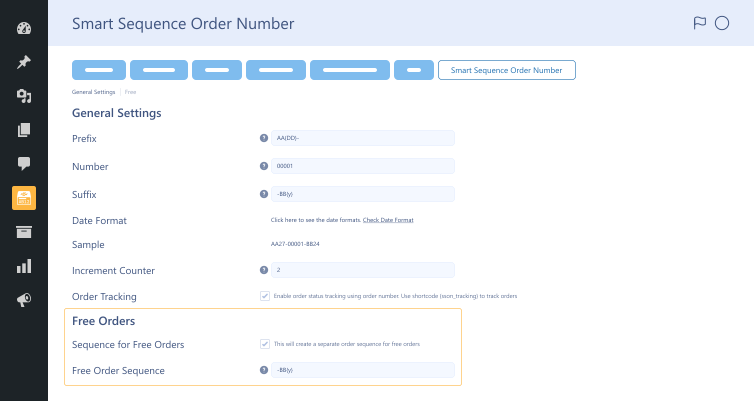
Increment Counter
Manage order numbers as they increase with new transactions. Determine the amount by which the following order number increases.
- A consistent yet transparent increment pattern helps optimize order management considerably.
- Admins can easily track recent transactions based on sequential order numbers.
- Manage increments to adjust higher order volumes as stores grow upward.