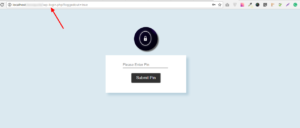
Installation #
- Go to Plugins > Add New.
- Under Search, type Secure WP Admin
- Find Secure WP Admin and click Install Now to install it
- If successful, click Activate Plugin to activate it and you are ready to go.
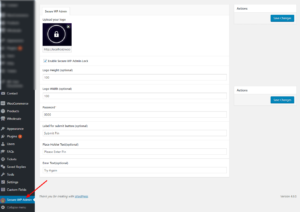
Secure WP Admin Settings #
First You Save Secure WP Admin Settings.
Locked WP Admin Screen #