WooCommerce can sell almost anything. But natively, it was not built to collect donations. Donors want something extra. They expect to choose their own amount, follow a goal, and receive a proper thank-you. A standard product page offers none of that, so charities and schools need something more.
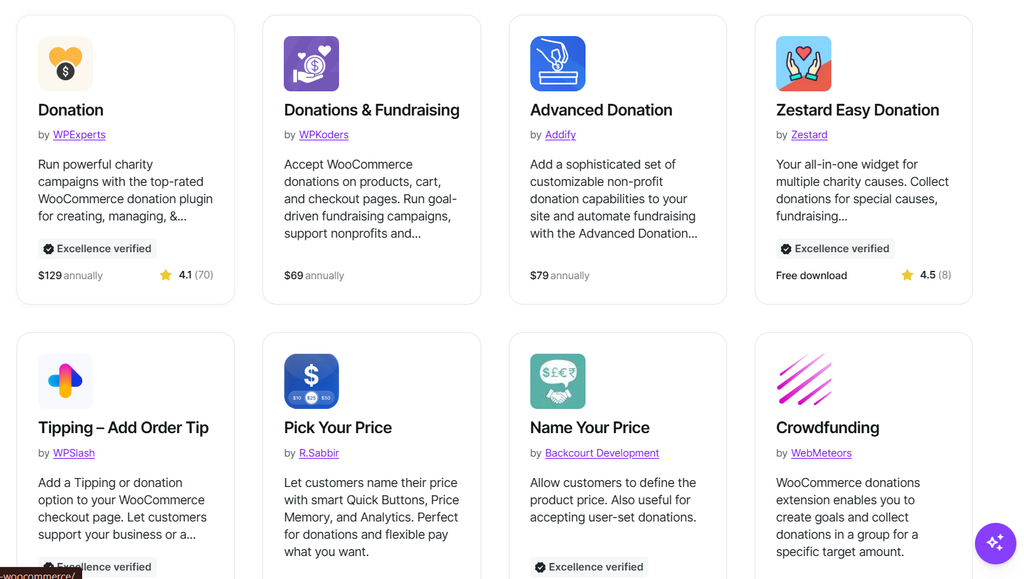
A donation plugin closes that gap. This guide compares the 6 best donation plugins for WooCommerce stores, including Donation for WooCommerce by WPExperts, YITH Donations, Woo Donations, and more. We cover features, trade-offs, and which organizations each suits, so you can choose with confidence before you install anything.
What Is a WooCommerce Donation Plugin?
A WooCommerce donation plugin is an extension that lets your store accept donations. It turns a normal checkout into a simple way to give. Donors pick an amount, support a cause, and get a receipt.
Without one, you have to fake a donation as a product. That means a fixed price, a cart, and a plain order email. It works, but it feels like shopping, not giving.
Most donation plugins treat each gift as a WooCommerce order. Donations use your current payment gateways and show up on your Orders screen. A few plugins skip WooCommerce and run their own donation system instead.
| Feature | Standard WooCommerce | With a Donation Plugin |
| Donor chooses the amount | No | Yes |
| Goals and progress bars | No | Yes |
| Monthly giving | No | Yes, often with WooCommerce Subscriptions |
| Donor wall and tributes | No | Yes, in some plugins |
| Receipts | Basic order email | Donation receipts and exports |
| UK Gift Aid | No | Yes, in some plugins |
Charities, NGOs, schools, and churches use these plugins to raise funds online. Stores use them too, often to add a small gift for a cause at checkout.
Not every plugin covers all of this, though. Here is what to check before you choose one.
What to Look for in a WooCommerce Donation Plugin
Some plugins only add a donation field to checkout. Others run full fundraising campaigns. Check these points before you choose.
Native WooCommerce Orders
Donations that run through WooCommerce appear on your Orders screen. They use your existing payment gateways and follow your normal refund process. Reporting stays in one place, and your accountant sees familiar order records. Fundraising plugins with a separate donation system force you to reconcile two sets of records.
Flexible Amounts and Recurring Giving
Donors want preset tiers, a custom amount, or both. Monthly giving builds steady income for any organization. Most WooCommerce plugins need WooCommerce Subscriptions for recurring gifts, so check that requirement early. It affects both your budget and your setup time.
Goals and Urgency
Progress bars and deadlines give donors a reason to give now. A visible target turns a vague appeal into a shared mission. Look for more than one goal type, plus a countdown option. Goals also help you report results to supporters.
Donor Recognition and Receipts
A donor wall, tribute options, and thank-you emails build loyalty over time. Receipts and exports keep your records organized for audits and tax reporting. Check whether these features are built in or need extra add-ons before you commit to a plugin.
Design Control
You should be able to shape the campaign page and the donation form without writing code. This saves developer time and keeps your branding consistent across every campaign. Plugins with only a fixed template limit how persuasive your page can be.
Best WooCommerce Donation Plugins: Quick Comparison
| Plugin | Best For | Standout Feature | Recurring Donations | Cost Model |
| Donation for WooCommerce | Complete fundraising inside WooCommerce (Woo Excellence Award Donation Plugin) | Drag-and-drop page builder and form designer | Yes, with WooCommerce Subscriptions | Premium(129$/mo) |
| YITH Donations for WooCommerce | Simple forms on cart and product pages | Donation form and total-raised widgets | Not listed | Premium |
| Woo Donations | Basic donation form on a budget | Free block, shortcode, and Elementor widget | Not listed | Free + Pro |
| Charitable | Simple campaign pages | Campaign builder | Paid plans | Free + paid plans |
| Advanced Donation (Addify) | Cart and checkout donations | Donation as product, fee, or round-up | Yes, with WooCommerce Subscriptions | Premium ($79/year) |
| Donations & Fundraising (WPKoders) | Goal-driven product, cart, and checkout giving | Four goal types | Yes, with WooCommerce Subscriptions | Premium ($69/year) + free Lite |
Detailed Comparison of the Best WooCommerce Donation Plugins
1. Donation for WooCommerce: (First Woo Excellence Verified Donation Solution)
Best for
Charities, NGOs, schools, and stores that want complete fundraising inside WooCommerce.
Highlight
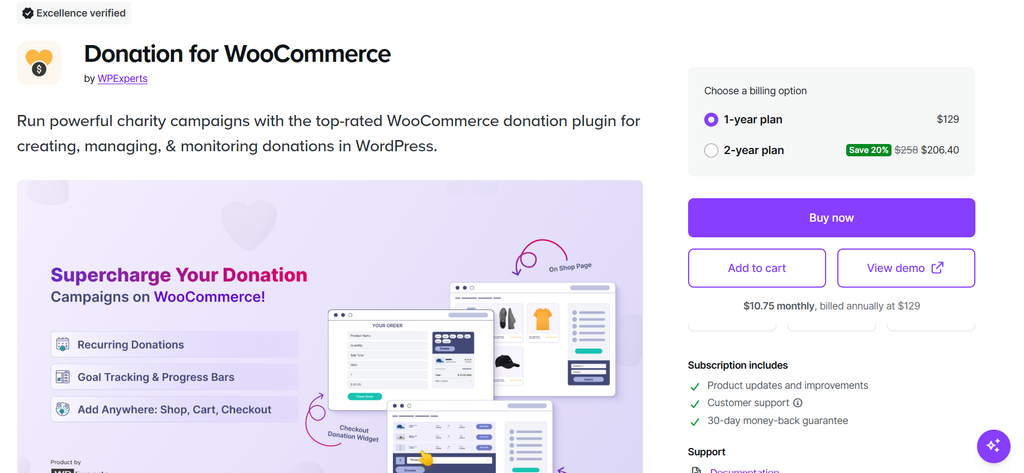
Donation for WooCommerce, developed by WPExperts, turns a standard store into a fundraising platform. Each campaign is backed by a hidden WooCommerce product. Donations therefore appear in WooCommerce Orders, use your payment gateways, and can be refunded like any other order.
Version 4.0.0 introduced a drag-and-drop Campaign Page Builder. You can pick Single, Double, Double with Header, or Tabbed layouts and preview desktop and mobile before publishing. A separate Donation Form Designer then controls every field, from donor name to the donate button.
Pros
- Page builder with Single, Double, Header, and Tabbed layouts, plus desktop and mobile preview
- Form Designer with 18 elements, shown inline or as a modal popup
- Predefined, custom, or combined amounts, shown as cards, radio buttons, or dropdowns
- Recurring donations with admin-set or donor-chosen intervals and optional expiry
- Four goal types: amount, percentage, number of donations, or number of days
- Flip Clock or Pomodoro countdown with daily, date-based, or weekday rules
- Multiple causes per campaign, each with its own image and running totals
- Donor Wall in four display styles, plus a Top Donations leaderboard
- Social sharing for Facebook, Twitter, LinkedIn, WhatsApp, and email
- Tribute donations and six built-in e-card templates, or your own image
- UK Gift Aid, donor-paid processing fees, and round-off donations
- Donation on Product, which directs part of a product sale to a campaign
- Four checkout styles, including single-page and multi-step popup wizards
- Analytics dashboard with date filters, CSV and PDF exports, and PDF receipts
- Customizable donation emails sent when an order is completed
- Campaign categories, featured campaigns, and one-click duplication
- Compatible with HPOS, Cart and Checkout blocks, Dokan, and WC Product Vendors
Cons
- Recurring donations require WooCommerce Subscriptions, which is a separate plugin
- The wide feature set takes some time to configure
- Campaigns created before version 4.0.0 keep the old design until you opt them in
Best Use Case
Ideal for organizations that want campaigns, donor engagement, reporting, and compliance in one plugin. It suits teams that never want to leave WooCommerce or reconcile a second donation system.
2. Woo Donations
Best for
Small sites that need a basic donation form at low cost.
Highlight
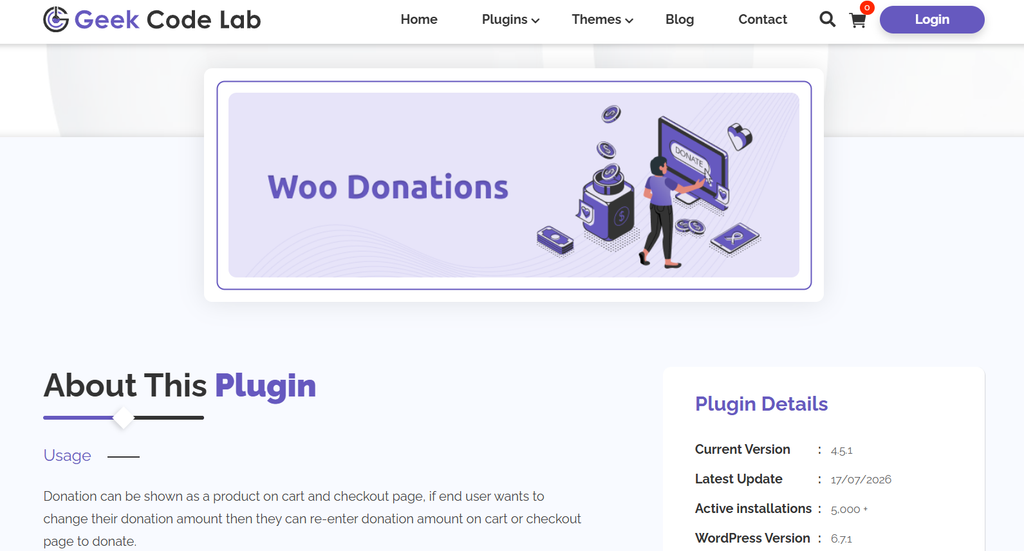
Woo Donations, by Geek Code Lab, lets you accept donations in WooCommerce. The free version includes a Gutenberg block and a shortcode. It also supports donation forms on the cart and checkout pages.
All Pros
- Free version available
- Gutenberg block, shortcode, and Elementor widget
- Pro adds predefined prices, campaign management, popup, and sticky button
Cons
- Form positions, predefined prices, and campaigns need the Pro version
- No goal tracking or donor wall is listed
Best Use Case
Suits small projects that want a donation box on a tight budget.
3. Charitable
Best for
Organizations launching a first campaign page.
Highlight
Charitable is a WordPress donation plugin with a campaign builder. The free version connects to Stripe and supports unlimited campaigns. It runs its own donation system rather than WooCommerce orders.
Pros
- Free version with unlimited campaigns
- Donation goals and reports included
- Beginner-friendly campaign builder
Cons
- Recurring donations and fee relief need a paid plan
- It does not use WooCommerce orders or gateways
Best Use Case
Best for small nonprofits that do not need WooCommerce orders.
4. YITH Donations for WooCommerce
Best for
Stores that want a simple donation form on cart and product pages.
Highlight
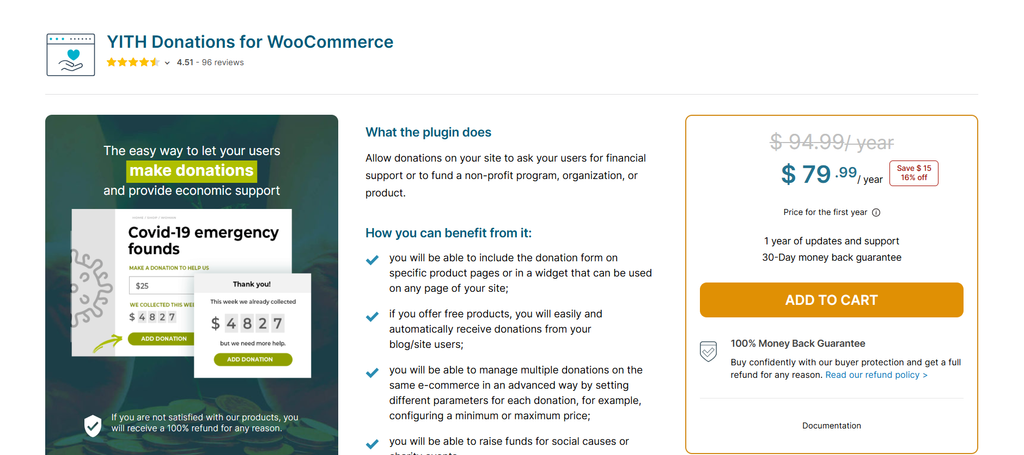
YITH Donations for WooCommerce adds donation forms to a store with a few clicks. You can place a form on the cart, attach it to a product, or add it anywhere with a widget. A second widget shows the total amount raised.
Pros
- Donation form on the cart or product page
- Preset donation amounts
- Sidebar widget showing total donations
Cons
- Premium only, since the free version was closed on WordPress.org in 2021
- Its listing mentions no page builder, goal types, or donor wall
Best Use Case
Good for shops that want a lightweight donation option besides product sales.
5. Advanced Donation for WooCommerce (Addify)
Best for
Stores that collect donations mainly at cart and checkout.
Highlight
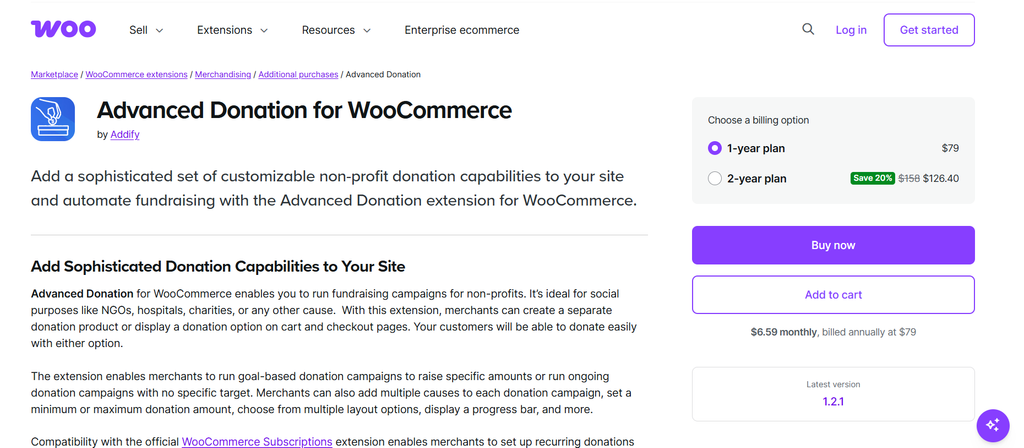
Advanced Donation by Addify offers three campaign types: donation products, donation as a fee, and round-up. Fees can be a normal fee or a credit card fee. You can run several campaigns, with or without goal amounts.
Pros
- Multiple campaigns with progress bars
- Multiple causes per campaign
- Configurable cart and checkout layouts, plus a donation dashboard
Cons
- Recurring donations require WooCommerce Subscriptions
- Its listing mentions no page builder or donor wall
Best Use Case
Fits retail stores that want a donation prompt during checkout. It is listed at $79 per year on the WooCommerce Marketplace.
6. Donations & Fundraising for WooCommerce (WPKoders)
Best for
Goal-driven campaigns on products, cart, and checkout pages.
Highlight
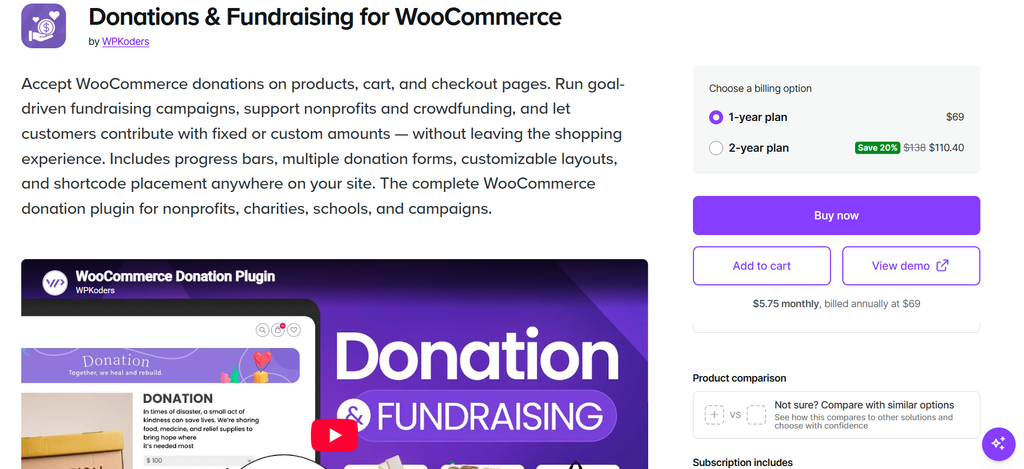
Donations & Fundraising, by WPKoders, accepts donations on products, cart, and checkout pages. It supports fixed and custom amounts. Campaigns can use goals by amount, percentage, donation count, or deadline.
Pros
- Multiple campaigns, each with its own goal and forms
- Progress bars update in real time
- Free Lite version adds donations to any simple product
Cons
- Recurring donations require WooCommerce Subscriptions
- The free Lite version has no goals or progress bars
Best Use Case
A fit for schools and small charities that want goal tracking. It is listed at $69 per year on the WooCommerce Marketplace.
Feature-by-Feature Comparison
Best for Campaign Page Design
Donation for WooCommerce leads way above other WooCommerce extensions when it comes to fundraising. Its page builder and form designer control both the campaign page and the donation form.
Best for Donor Recognition
Donation for WooCommerce combines a donor wall, leaderboard, tributes, and e-cards in one plugin.
Best for Goals and Urgency
Donation for WooCommerce offers four goal types and a countdown timer. Donations & Fundraising also covers four goal types in its paid version.
Best for UK Charities
Donation for WooCommerce includes Gift Aid on the donation form, in the cart, and at checkout.
Best for Cart and Checkout Donations
Advanced Donation and Donations & Fundraising both focus on cart and checkout giving.
Best Free Starting Point
Woo Donations offers a free version. Charitable also has a free version, though it runs outside WooCommerce orders.
Recommended Plugin by Organization Type
| Organization Type | Recommended Plugin |
| Charity or NGO using WooCommerce | Donation for WooCommerce |
| UK charity needing Gift Aid | Donation for WooCommerce |
| Store with a campaign page and donor wall | Donation for WooCommerce |
| Shop adding a simple donation form | YITH Donations for WooCommerce |
| Small site on a tight budget | Woo Donations |
| First campaign page outside WooCommerce | Charitable |
| Checkout round-up and fee donations | Advanced Donation (Addify) |
| Goal-driven product and checkout giving | Donations & Fundraising (WPKoders) |
Final Verdict
Every plugin here solves part of the donation problem. Most organizations, though, end up stitching several tools together. That adds cost, maintenance, and gaps in your donor records.
If you run WooCommerce and want campaigns, goals, donor recognition, receipts, and Gift Aid in one place, Donation for WooCommerce is the strongest fit. It keeps donations inside normal WooCommerce orders. It also gives you design control that the other plugins here do not list.
Lighter needs call for lighter tools. YITH and Woo Donations handle simple forms. Advanced Donation and Donations & Fundraising suit cart and checkout giving.
Special Recommendation:
If you need a donation app for Shopify, explore Donate Now by Objects. It helps Shopify stores collect donations right from their storefront.