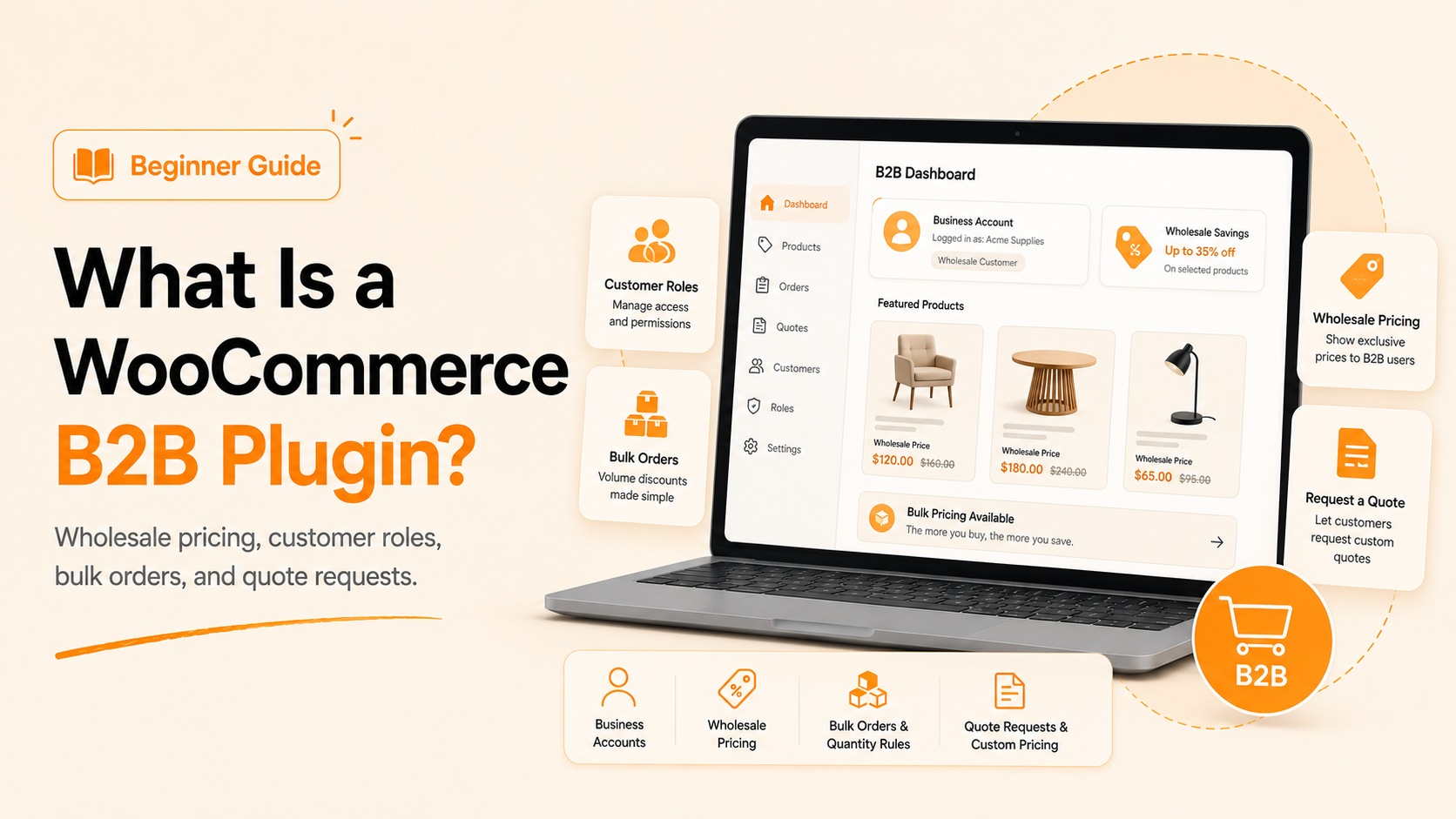
There’s a real problem a B2B plugin exists to fix. WooCommerce, by default, treats every visitor the same way. But B2B buyers need different pricing, private catalogs, and a faster ordering process, and this gap is where most growing stores start losing money.
Your WooCommerce store is probably treating a B2B buyer the exact same way as a B2C shopper. That difference alone can be enough to lose a wholesale account in 2026.
How Standard WooCommerce Handles Business Buyers, and Where It Breaks Down
WooCommerce, by default, is built for only one kind of buyer: the retail shopper (B2C). It shows one price to everyone, sells one item at a time, and expects instant checkout. That works fine for a candle buyer picking up two pieces. It completely fails a store owner trying to order two thousand pieces at once.
B2B buyers don’t shop like B2C buyers. When you expect them to fit into a retail-only system, your store starts losing B2B bulk orders without realizing it. Here’s what that system isn’t built to handle:
- Different prices for different customer types, like retailers versus distributors
- A way to hide products or pricing from general, public visitors
- A quote request option for buyers who want to negotiate before paying
- A bulk order screen for people placing large, multi-product orders
This is the exact gap a B2B plugin is built to close. To see it more clearly, here’s what that gap looks like side by side:
| What Happens | Standard WooCommerce | With a B2B Plugin Active |
| Pricing | Same price for every visitor | Price changes by customer role |
| Product visibility | Fully public catalog | Catalog can stay hidden until approved |
| New accounts | Anyone can register instantly | Wholesale access needs approval |
| Ordering | One product at a time | Bulk order forms and RFQ tools |
| Negotiation | Handled over email or phone | Quotes managed inside the store |
What Exactly Is a B2B Plugin for WooCommerce?
A B2B plugin sits on top of your existing WooCommerce store. It doesn’t replace anything. It just teaches your store a new set of rules for different kinds of customers. One who buys in bulk needs a different price than the person browsing next to them.
Once it’s active, your store can quietly run two businesses simultaneously. B2C shoppers keep seeing what they always saw. B2B buyers get their own pricing, quote features, their own hidden catalog, and a faster way to order without ever bothering your sales team. The best B2B WooCommerce plugin frees up your reps to grow B2B accounts rather than processing orders all day.
If you’re setting this up for the first time, this guide on adding wholesale to WooCommerce walks through the basic setup step by step.
Why B2B Plugin for WooCommerce Matters More in 2026 Than Ever Before
B2B buying habits have changed fast. People who order for a business now expect the same easy website experience they get as regular shoppers, minus the retail price tag. They want speed and fairness, not phone calls and email threads that drag on for three days.
A few numbers worth noting:
- Business buyers abandon slow or confusing checkout pages fast, often within minutes.
- Repeat wholesale orders can account for a large share of monthly revenue for growing stores.
- Manual quote handling through email can eat up hours every single week.
If your B2B eCommerce competitor solves this, they’ll probably be using the complete B2B system plugin for WooCommerce. That gap grows faster than you’d expect, and your sales report will feel it by the end of the quarter, not the end of the year. So the question becomes: who actually needs this setup the most?
Who Actually Needs the B2B Wholesale for WooCommerce Plugin the Most?
Not every WooCommerce store needs a B2B layer, but certain business types run into this wall almost immediately.
| Business Type | What They Actually Need From Your Store |
| Distributors and wholesalers | Role-based pricing instead of one flat rate for large orders |
| Manufacturers | Trade pricing and private catalogs for retail buyers, not public listings |
| B2B service or supply companies | Repeat ordering and quotes over one-time checkout |
| Resellers and dropshippers | Bulk pricing tiers with fast, repeat reordering |
| Corporate or bulk buyers | Approval workflows for internal, department-level ordering |
| Multi-location retail chains | One central account that can order for several branches |
| Membership or trade-only stores | Pricing hidden until a buyer is approved and logged in |
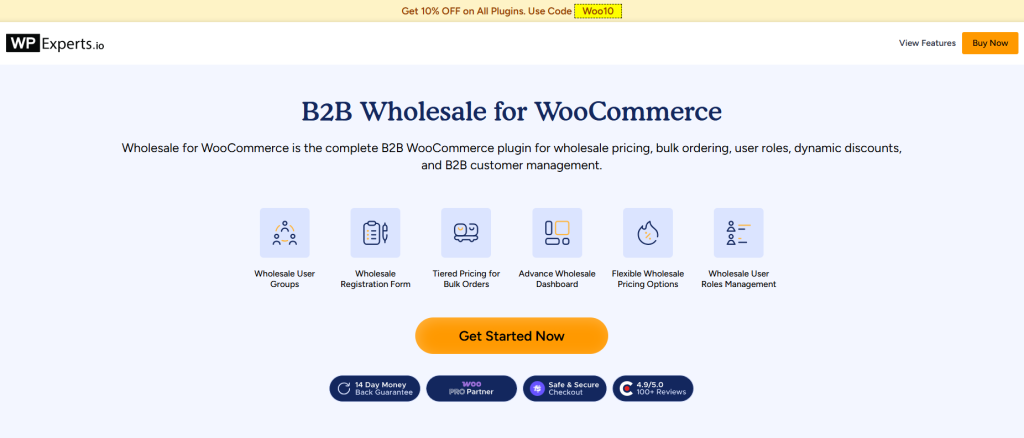
If your store fits any of these, running retail-only WooCommerce is likely already slowing down your biggest accounts. A dedicated setup like B2B Wholesale for WooCommerce is built specifically to handle this kind of buyer, without forcing you to run a second website just for wholesale traffic.
How the WooCommerce B2B Plugin Actually Works, Step by Step
This isn’t a redesign of your store. It’s a layer added on top of WooCommerce that changes how buying works for specific customers, while everything else stays the same. Here’s how it works step by step:
Step 1: Sort Your Buyers Into Groups
Every customer is assigned a role, such as retailer, distributor, or regular shopper. This one step is the foundation on which everything else in B2B businesses is built. And if you’d rather not assign roles manually, automated user role assignments can handle it the moment a customer registers.
Step 2: Set Prices for Each Group
Once roles are in place, each group can automatically see its own pricing. No coupon codes, no manual discounts typed in at checkout, no confusion about who gets what rate. Not sure where to start? This wholesale pricing guide covers how to structure these rates correctly from the start.
Step 3: Hide What Shouldn’t Be Public
Certain products or prices stay invisible until a buyer logs in and gets approved. This keeps your wholesale rates from being seen by random visitors and competitors. Here’s a full walkthrough on how to hide wholesale prices and products in WooCommerce if you want to set this up precisely.
Step 4: Let B2B Buyers Order the Way They Actually Buy
Bulk or wholesale buyers don’t want to click “add to cart” fifty separate times. A bulk order form or a quote request button lets them move faster, and buyers place bigger orders instantly. If quotes are a bigger part of your process, you’d be glad to know that Request for Quotes is native in B2B Wholesale for WooCommerce.
What to Look for Before You Add Anything
Not every tool that promises “B2B features” actually delivers them well. Before choosing one, check that it covers these basics:
- Pricing that changes automatically by customer group
- An approval step for new wholesale accounts
- A working quote request system
- Bulk ordering that doesn’t slow down your site
If a tool is missing two or more of these, it’s probably going to create more manual work than it saves you, which defeats the entire point.
A few resources worth checking before you decide:
- A side-by-side look at the best WooCommerce B2B plugins for 2026
- A more detailed B2B plugin comparison if you want to weigh the differences closely
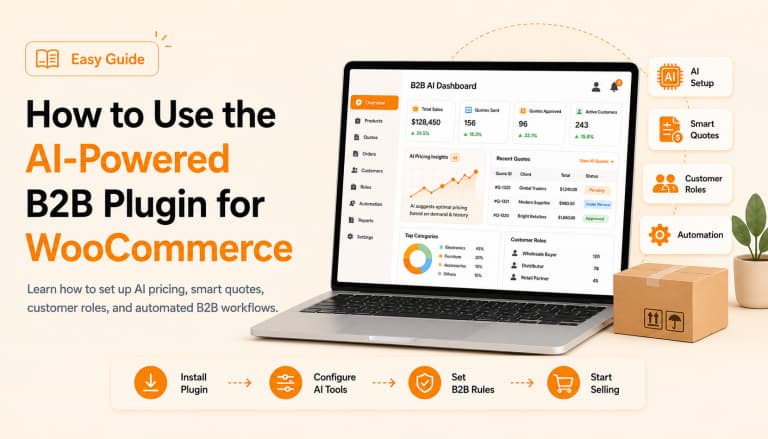
- A look at how a B2B dashboard for WooCommerce pulls pricing, roles, and orders into one screen
Final Words
This isn’t about adding more plugins to your store for the sake of it. It’s about closing a gap that’s already costing you real customers, real orders, and real money, one quiet checkout abandonment at a time. If that gap sounds familiar, choose a B2B plugin that fits your store’s buying process and add it now to close it before it costs you more.
The store that fixes this first usually wins the business buyer, not the store with the lowest price. If you sell to more than just individual shoppers, this single change might be the most overdue update your store has needed for a while. Choose the B2B setup that matches how your buyers already order and put it in place now.